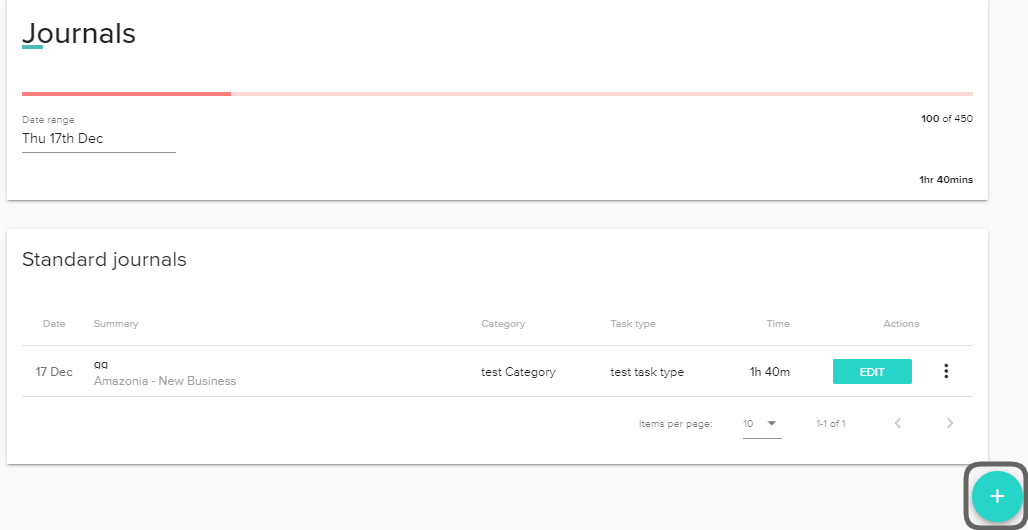
There are two ways to start creating journals.
The first option is to click on the journal icon circled below in the top navigation bar in Croud Control, next to your display image.

The journal sidebar will slide out and you will then be asked to fill in the required fields. If you don’t fill in any of the mandatory fields, then you will be unable to save your journal.
Below are the fields that you will need to complete when you create a journal.
The ‘Client’ through to ‘Phase’ fields are all pre-set dropdown menus to save you time. Simply choose the most relevant options for how to categorise your time. If you are unsure about how you should categorise your time in journals, ask one of your colleagues where they feel it should best fit. There will always be a category; however weird and wonderful your journal entry needs to be!
To speed up your journals creation, we have now integrated your Google Calendars. No more copy-pasting from another window and adding time up, you now have everything alongside your journal fields. Don’t forget to select your client, channel, and category.
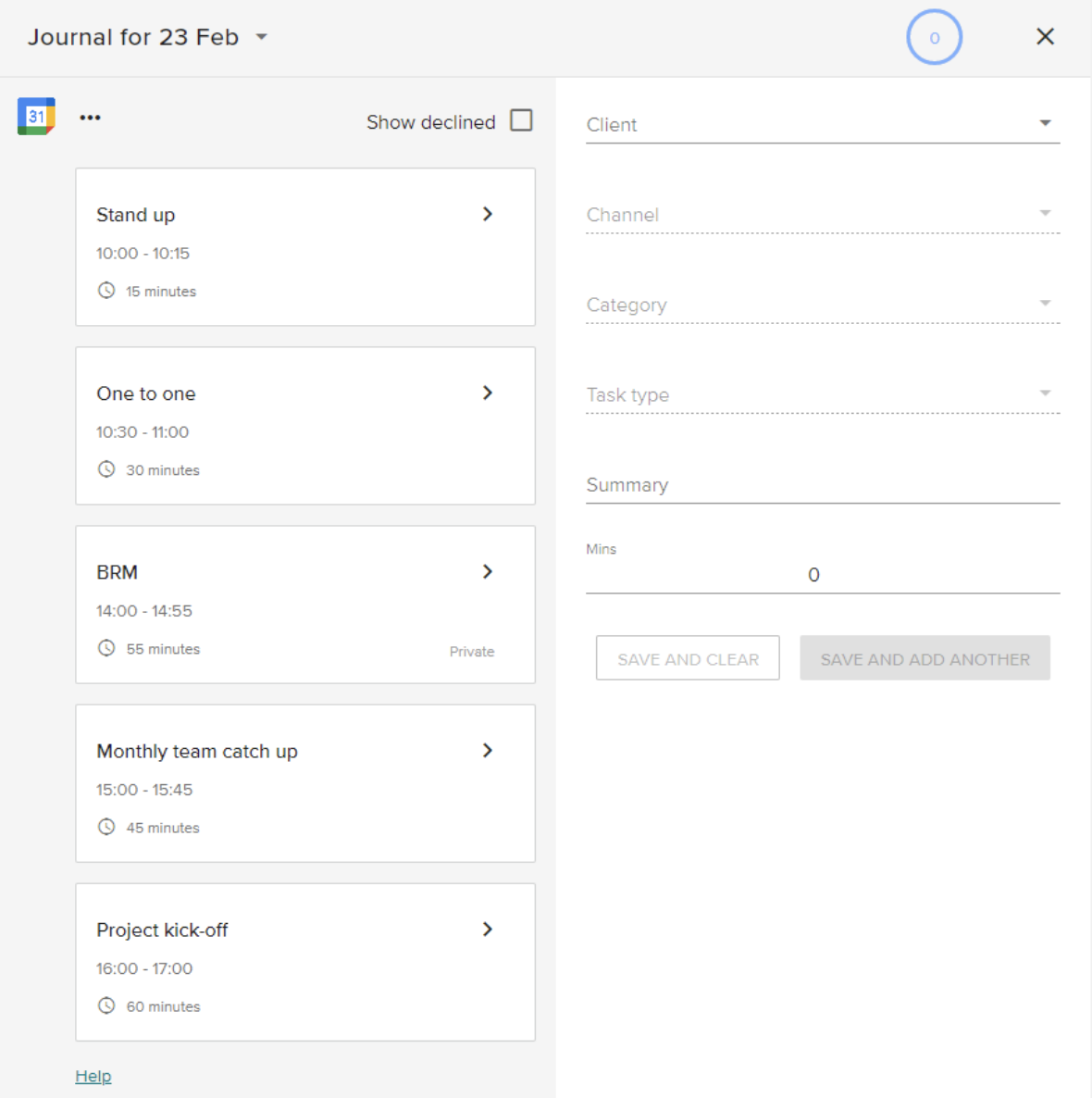
Clicking Save and clear will saveyour journal and clear the fields so you can journal
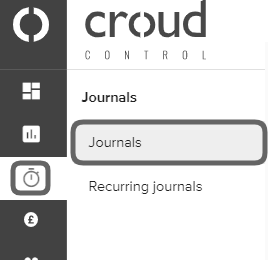
The second route to create a new journal is by visiting the “Journals” page via the main Croud Control side navigation menu, and click on “Journals”.
To create a journal click on the teal add journal button in the bottom right-hand corner and go through the process documented above.