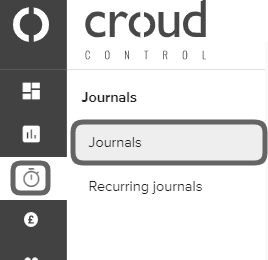
To delete a journal, visit the “Journals” page via the main menu and click on “Journals”.
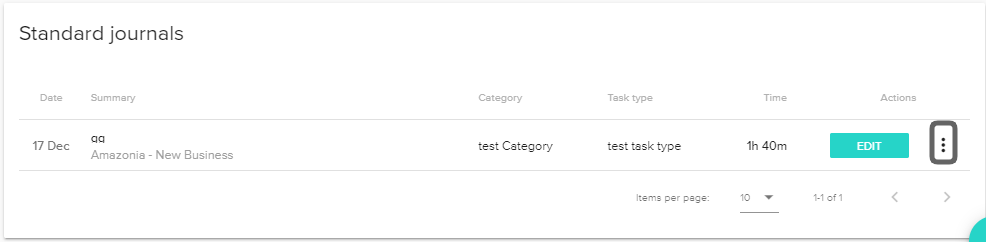
Click on the vertical ellipsis overflow button of the journal that you would like to delete.
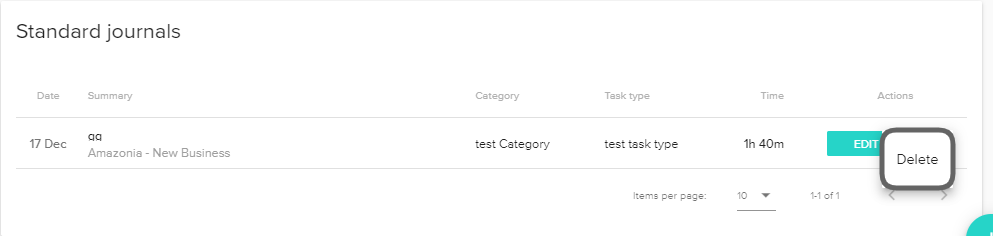
Then click “Delete” and a confirmation message will be displayed.

Modified on: Thu, 17 Dec, 2020 at 1:05 PM
To delete a journal, visit the “Journals” page via the main menu and click on “Journals”.
Click on the vertical ellipsis overflow button of the journal that you would like to delete.
Then click “Delete” and a confirmation message will be displayed.
Did you find it helpful? Yes No
Send feedback