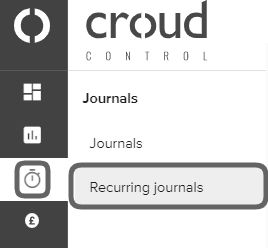
To edit a recurring journal, go to the main navigation bar and click on ‘Journals’ and then ‘Recurring Journals’.
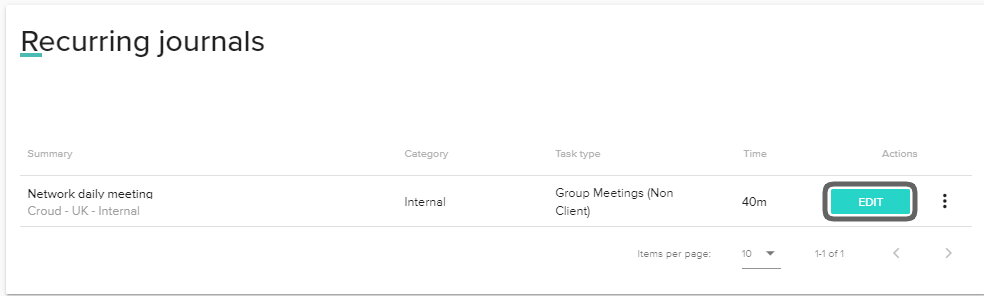
Any recurring journals that you have previously set up will appear in the ‘Recurring Journals’ interface. In the recurring journal you wish to edit, click on the “Edit” button.
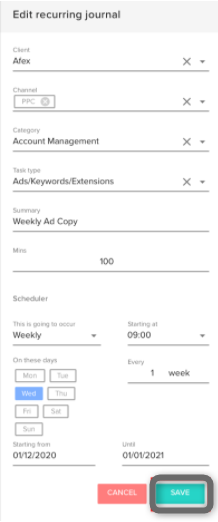
The journal slide out will then appear and you will be able to amend your recurring journal. After you have made your changes, click “Save”.