
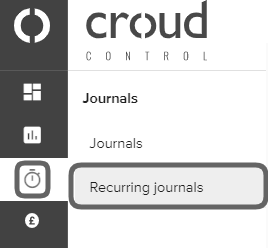
If you have set up recurring journals and your pending journal entries aren’t showing, it is possible that the schedule that you set up originally for the recurring journal has now ended. Go to the main navigation bar and click on “Journals” and then “Recurring Journals.
You will then be directed to the recurring journals home screen. If any recurring journals have been created, they will be displayed here.
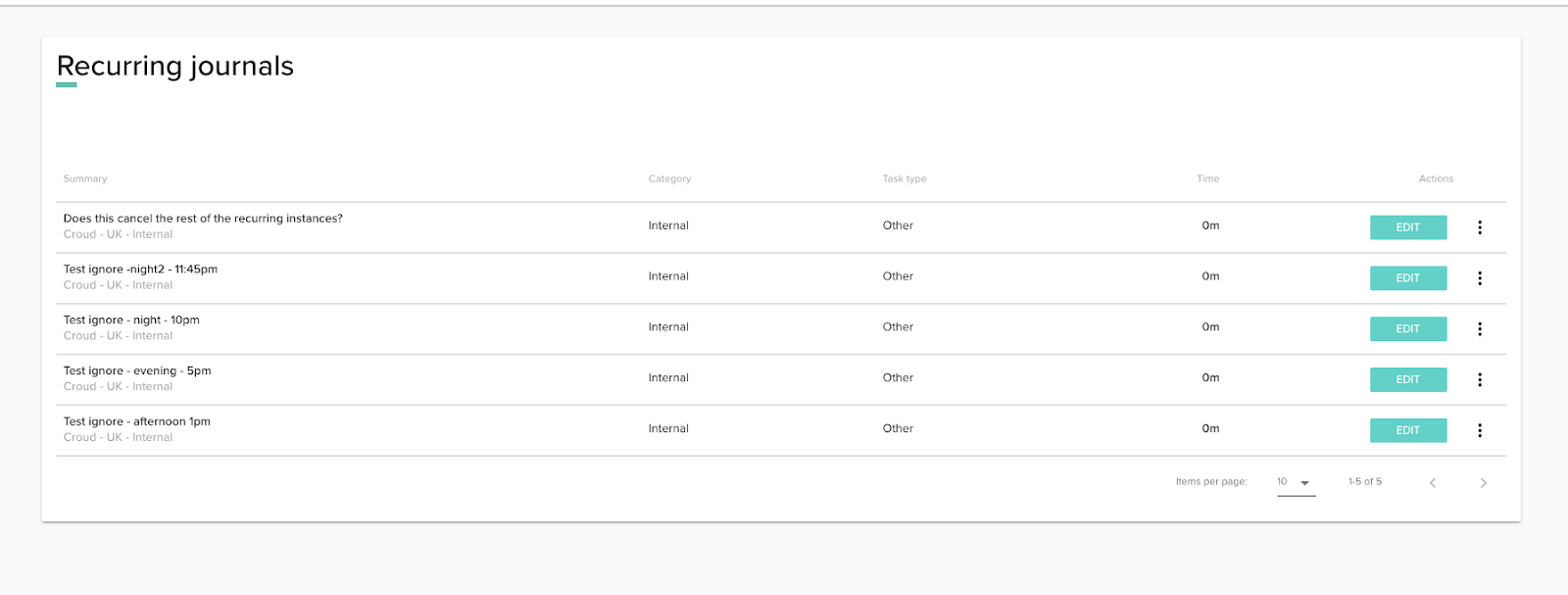
Click “Edit” on the recurring journal that you wish to check.

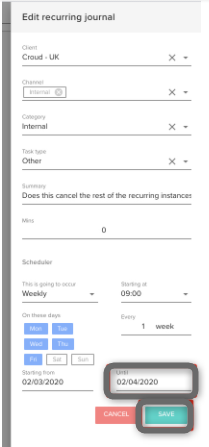
Go into the settings of the recurring job to check if the end date has passed. If it has passed then you can extend the end date in the calendar control and click “Save”. The recurring journal will not run for that day if the schedule has run so you will need to manually create a journal in this instance. Read this article to learn how to do this.
If you have checked the schedule dates of your recurring journal and the schedule has not expired, please contact support.