You are not required to journal your lunch hour. If you are attending a lunch and learn session (and the company is providing lunch), this is your lunch hour. You should not be taking another lunch break after or before please (unless the lunch and learn is less than 60 minutes long, in which case you have the remainder of your lunch hour to spend as you please).
You don’t need to journal lunch & learn attendance unless the session is longer than 60 mins. Only journal time after 60 mins because then you are back into working hours.
If you have had lunch with a client or a third party e.g. Google, Microsoft then you need to journal your time under Client Contact > Meetings. Read this article to learn more about creating a journal.
If your working day changes then this will be changed by the HR team in Croud Control. However, if you can’t see that change then please contact hr@croud.com.
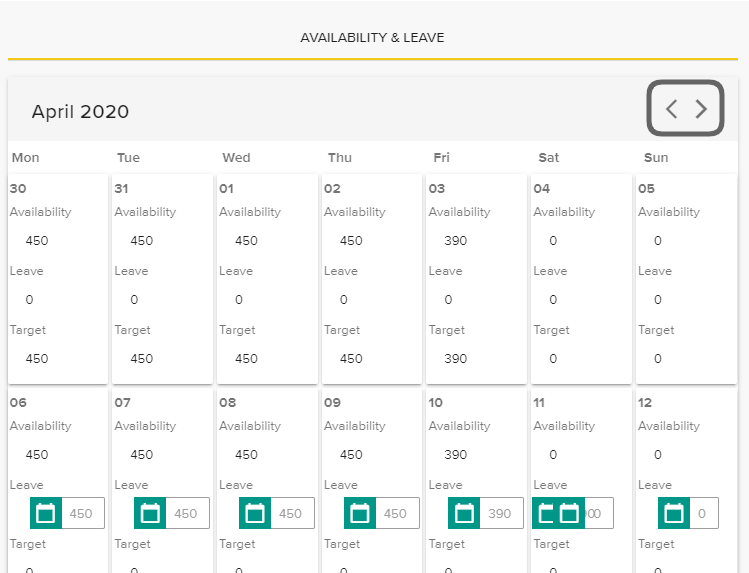
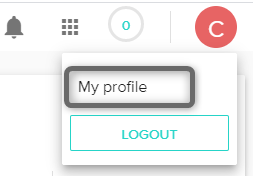
To view your working hours, click on “My Profile”.
When you are in your profile, scroll down to the Availability & Leave calendar.
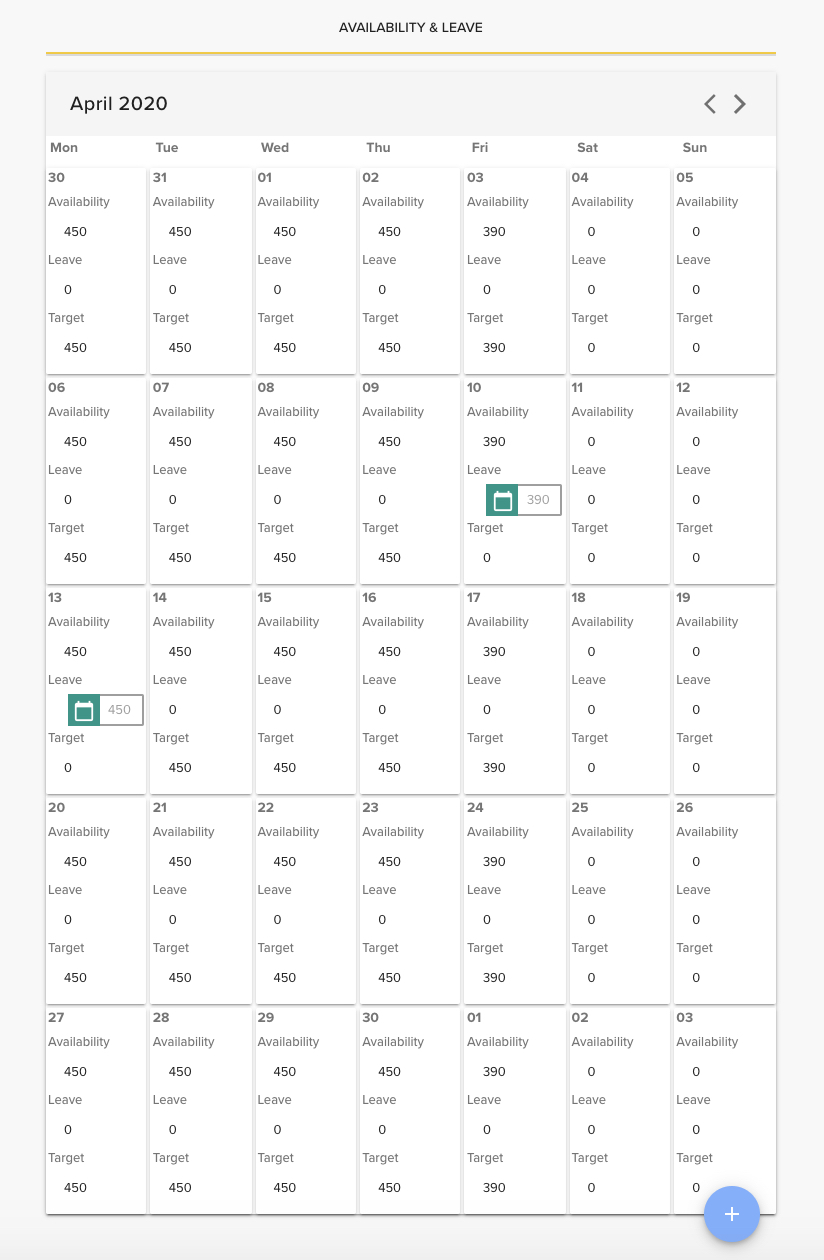
Within here, you will see the minutes assigned to you per day for the current month. To view previous or future months, click on the < icon to go back and the > icon to go forward.