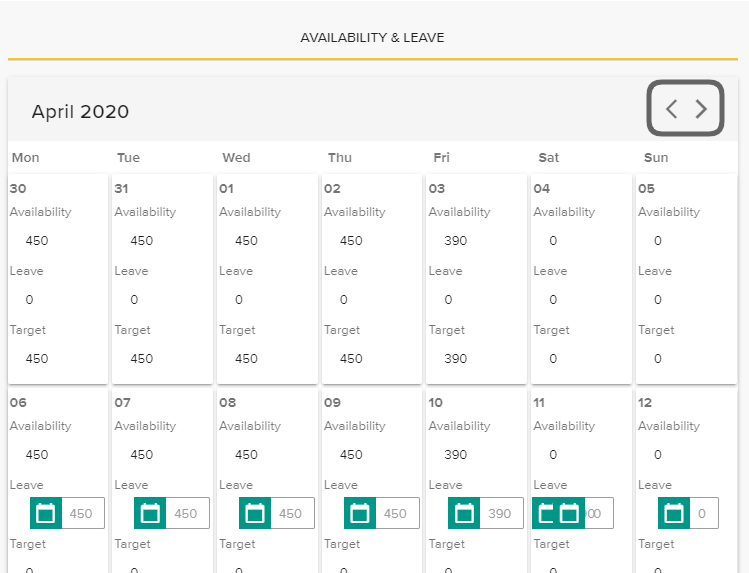
If your target minutes aren’t correct and you have checked the Availability & Leave calendar for holidays and leave then please contact hr@croud.com .
This will be changed by the HR team in Croud Control. However, if you can’t see that change then please contact hr@croud.com.
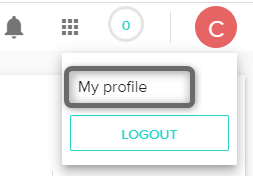
To view your working hours, click on “My Profile”.
When you are in your profile, scroll down to the Availability & Leave calendar.
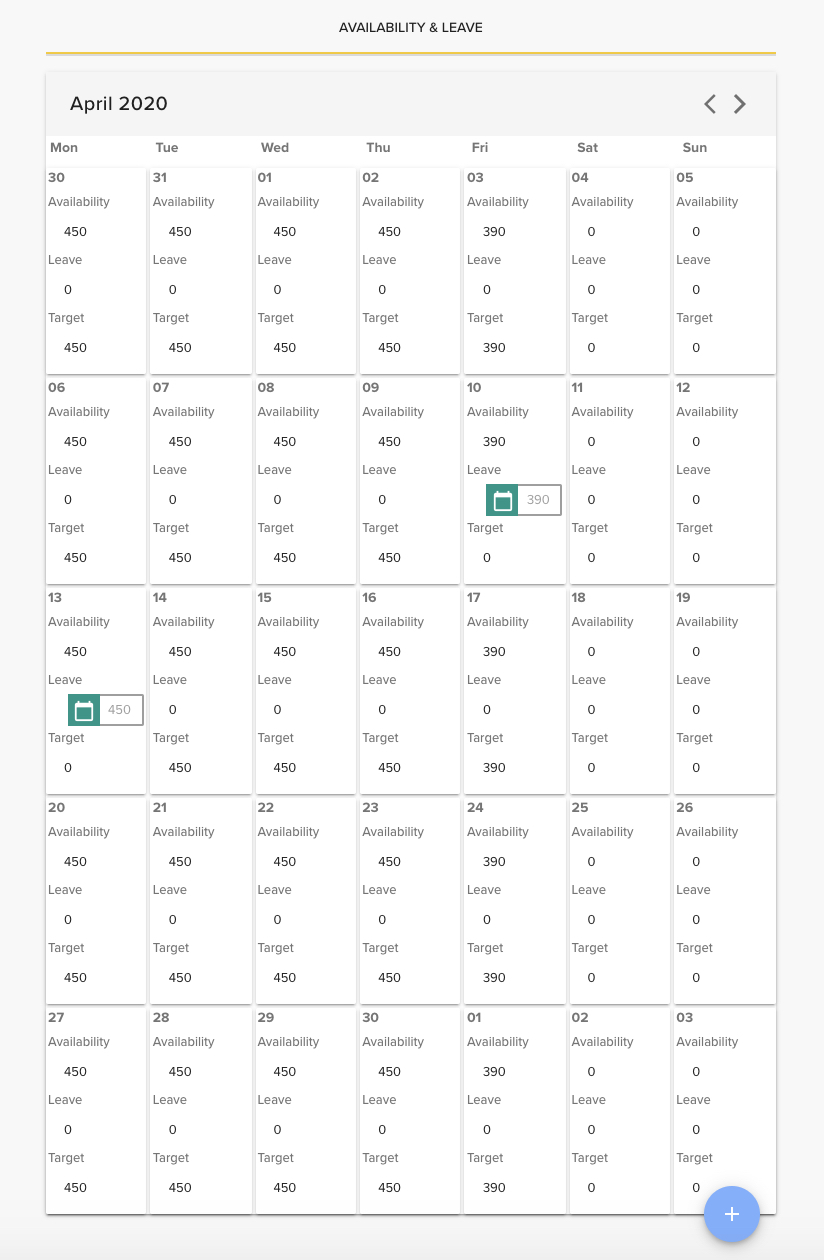
Within here, you will see the minutes assigned to you per day for the current month. To view previous or future months, click on the < icon to go back and the > icon to go forward.