
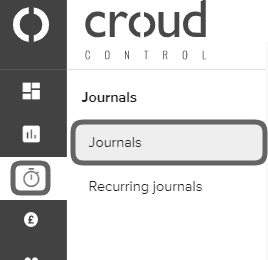
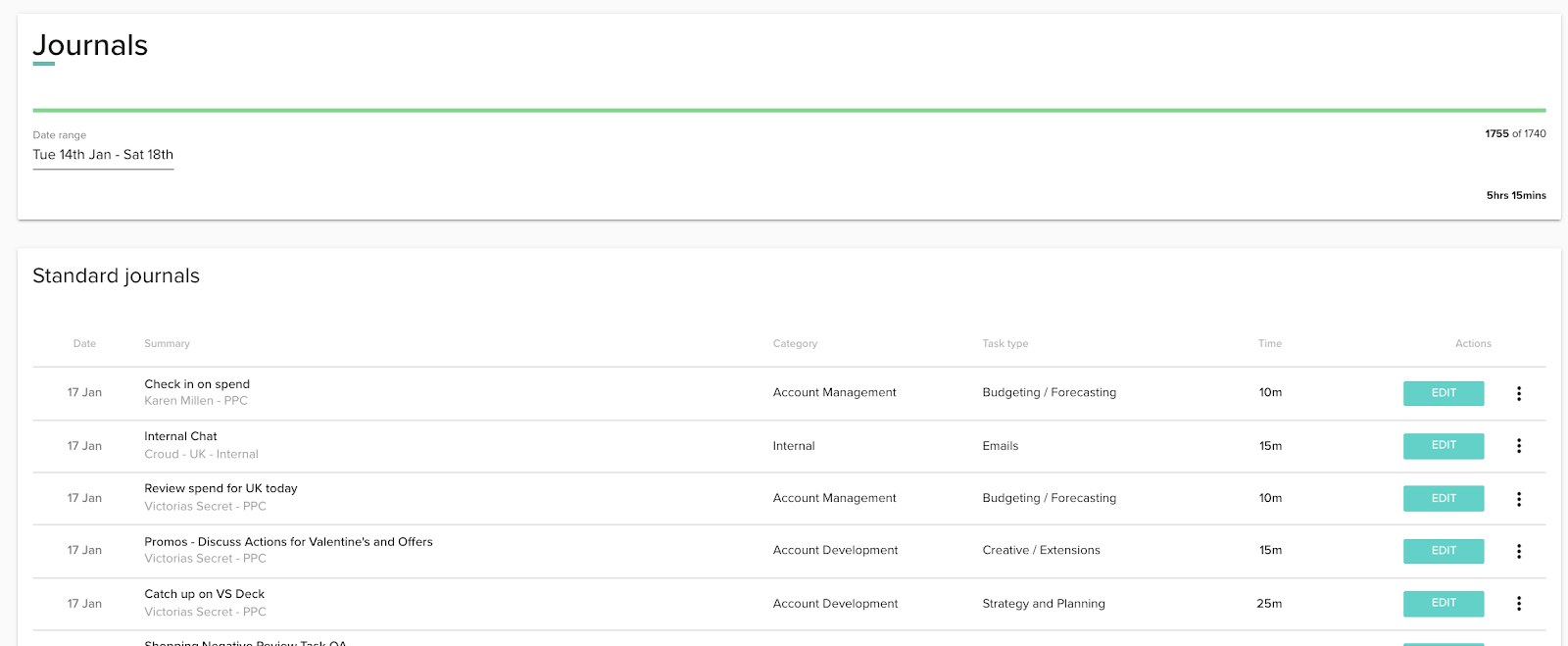
To view journals from a date range then you can do this by visiting the “Journals” page via the main menu and click on “Journals”.
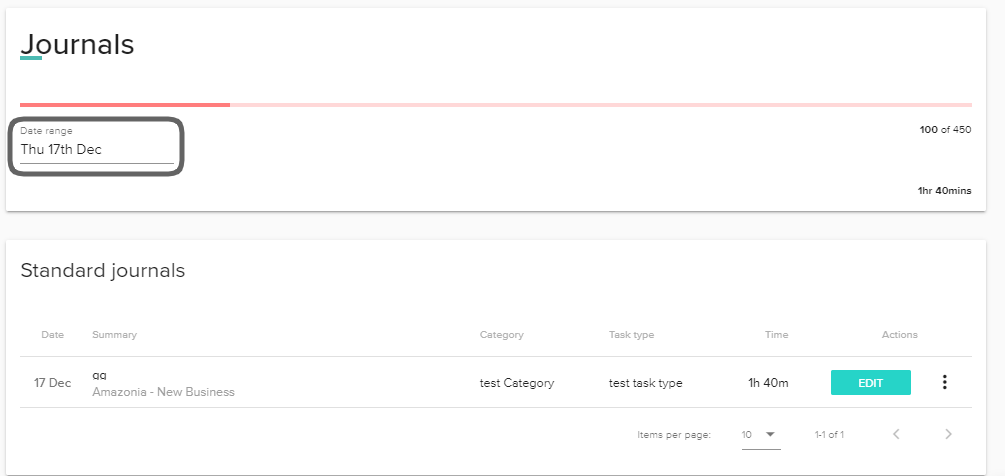
Click on the calendar control and the date range selector will appear.
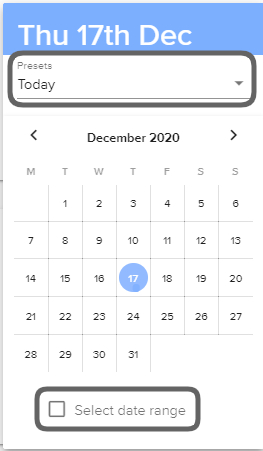
You can filter the date by either clicking on the “Preset” option or manually selecting the date range by checking the “Select date range” box and choosing the dates.
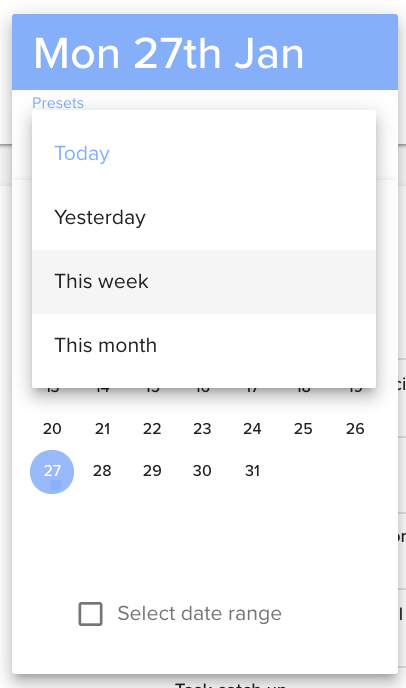
Once the dates have been selected, the journals completed in your chosen date range will display.
Experiencing a technical issue?
We're sorry you're having trouble. Please email support@croud.com and let us know what device and browser you're using and, if possible, please send us a screenshot of the error you're seeing.
Providing us with the time of when you experienced the issue is an added bonus and will help us investigate further. For example: “I was using Google Chrome at 5:00pm last night when [insert issue].”