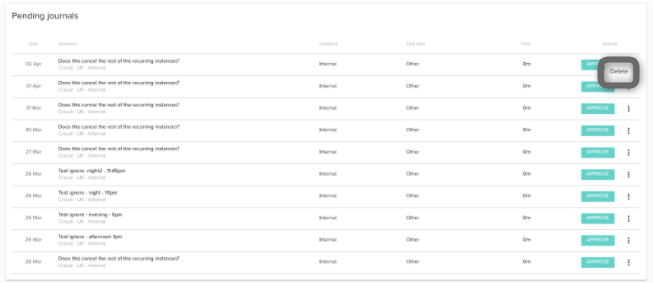
If you have set up any recurring journals and the schedule has run, you will have a pending journal awaiting your approval within your journals interface. Until you approve this pending journal, the entry will not show in your standard journals interface.
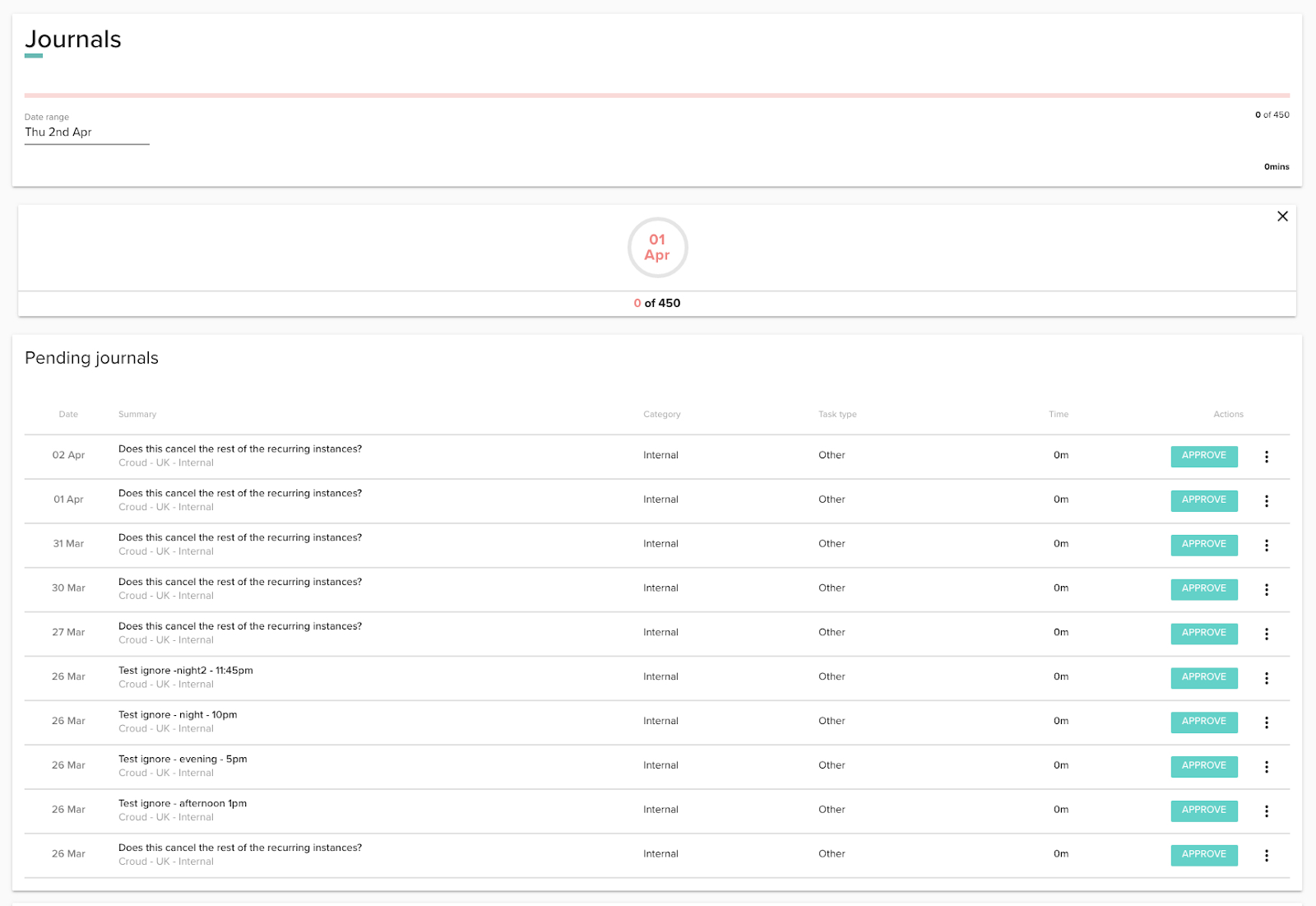
To add the pending journal to your journals, simply click “Approve”.
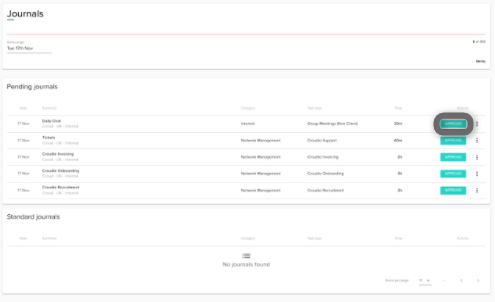
Once approved, the journal will show in your standard journals section.

If for any reason your pending journal is no longer applicable for that occurrence, click on the icon and click “Delete”.