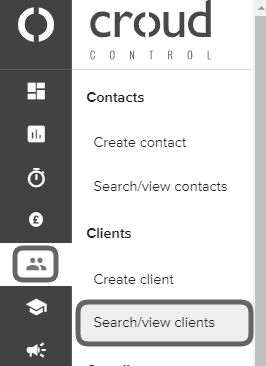
Yes but only if you have access to the client profile. To view which users have requested task credentials, go to the “User Manager” in the main navigation menu and go to “Search/view clients”.
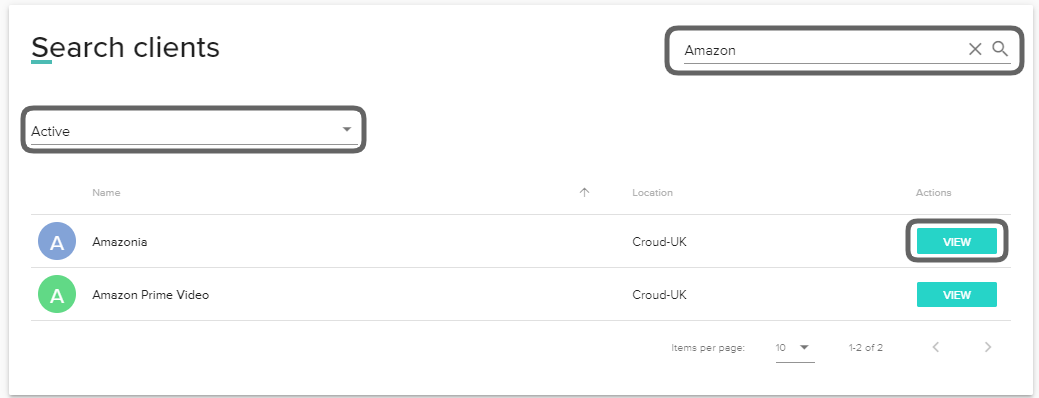
Search for the client in the search bar and set the filters based on whether the client is active/pending and click “View”.
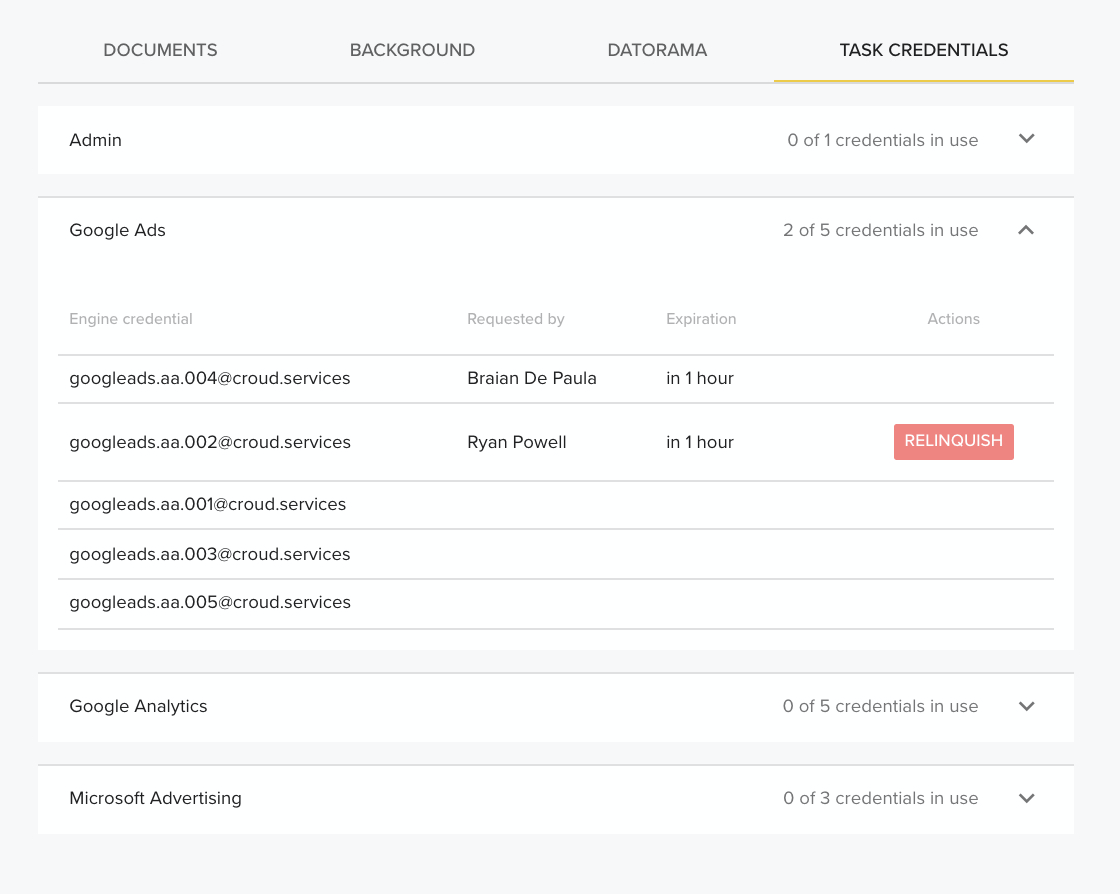
Within the client profile, scroll down to the “Task Credentials” section. Within this view, you will see who currently has an active task credential and when it is due to expire. You cannot use credentials that other users have in session. If all task credentials are in use then you will need to wait or you will have to contact the user in order for them to relinquish their credential.