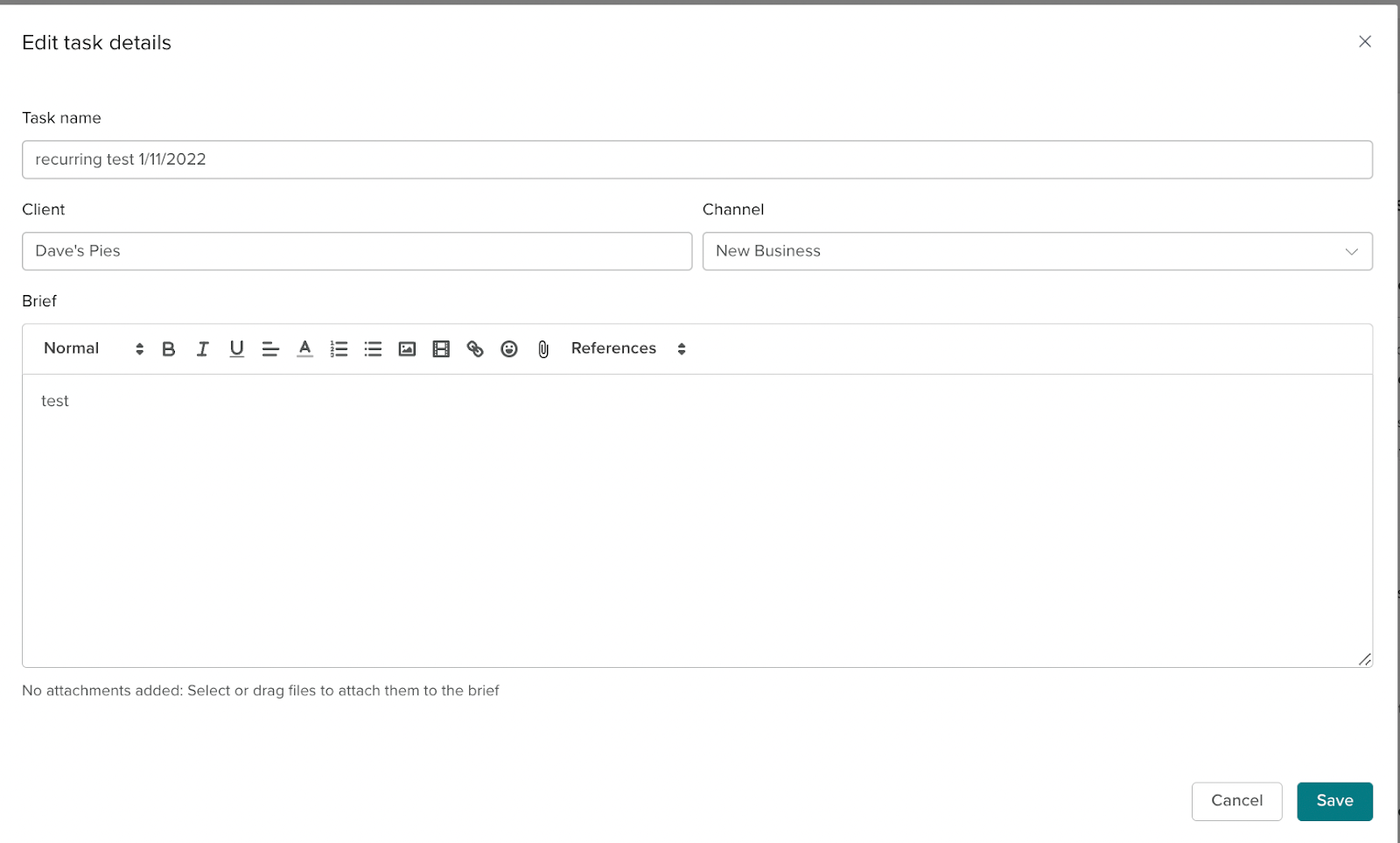
You will be able to edit the following features whilst a task is in progress:
Task Details (Name, Client, Channel)
Brief
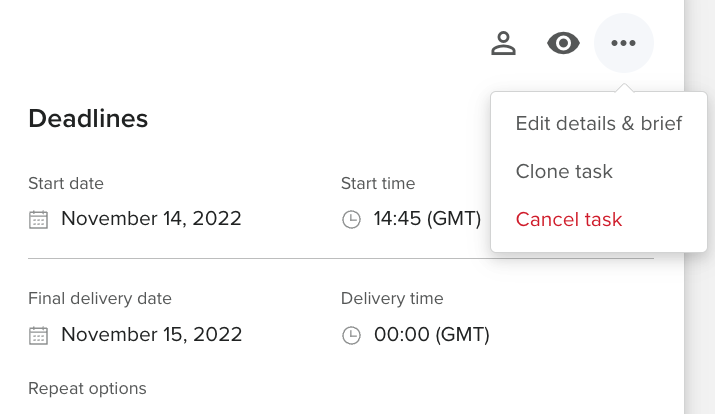
To edit the task details and the brief/review brief press click the three dots at the left of the task above deadlines. The Edit Details & Brief option has options for editing the Client , Channel, Task Name and Brief.
Edit Review brief
To edit the review brief the process is similar, but instead of clicking the Edit Details & Brief option, press the edit review brief option. This will only be available if the task has an external brief.
Deadlines
To edit the deadlines , the process is slightly different.

This is the deadline section of the task, there is an edit button where FTEs can change when the Start Date, Task delivery date and External review delivery date (if applicable) are set for.
Time and cost allocation
This is where you can set an amount of time for the croudie to complete the task or a fixed amount for the task to cost. There is an edit button to do this and this section is below the deadline section.
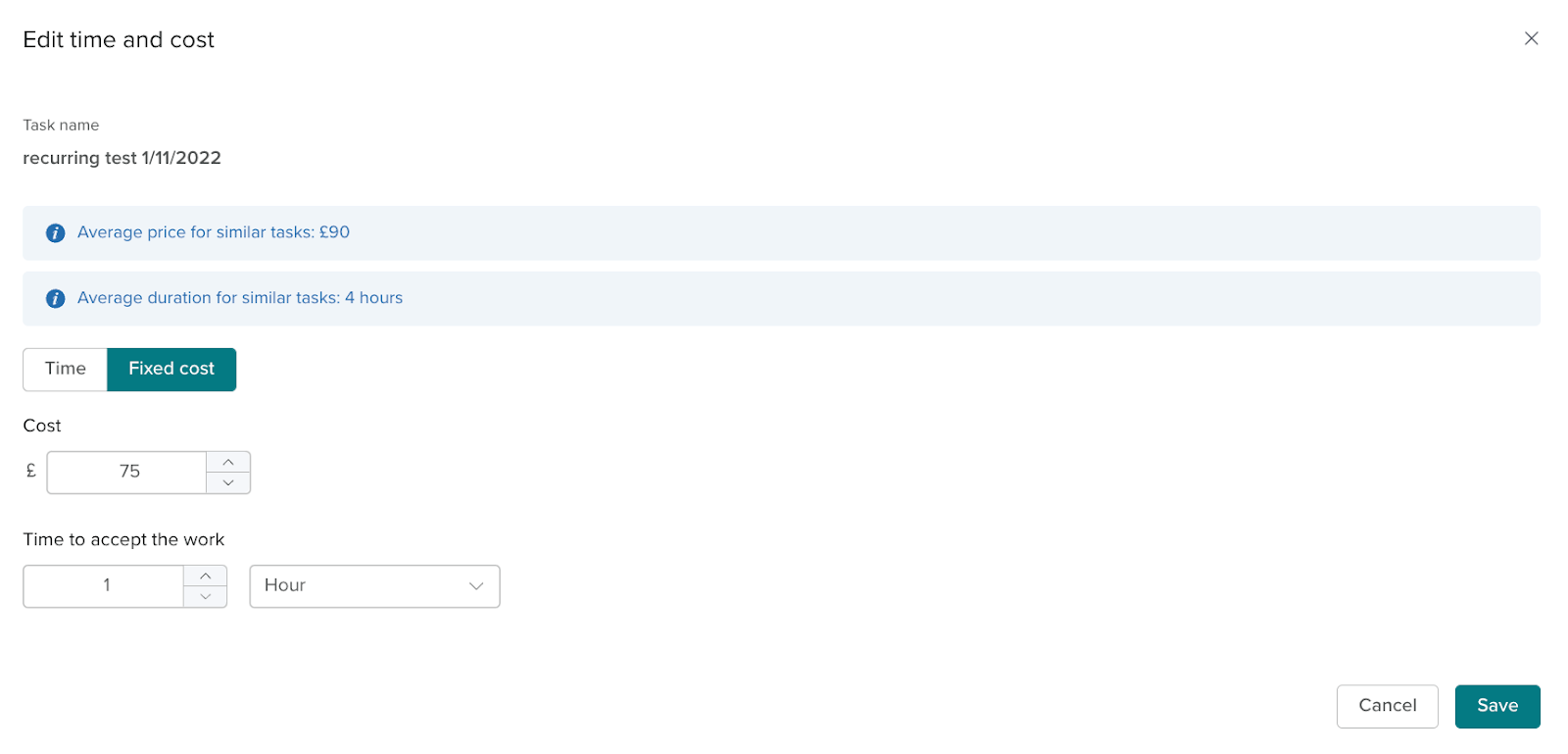
On the time and cost allocation, there is a toggle on the edit time and cost where FTEs can choose whether they are changing the time or the fixed cost.
Assignees (Croudies)
Assignees can be edited in the task but there are conditions.
The task cannot be in the state complete.
The assignee being removed cannot be if they have accepted the task

External review
External reviews can be added to a task and edited to add more assignees and change the time and cost allocation. This is done the same way as mentioned before.
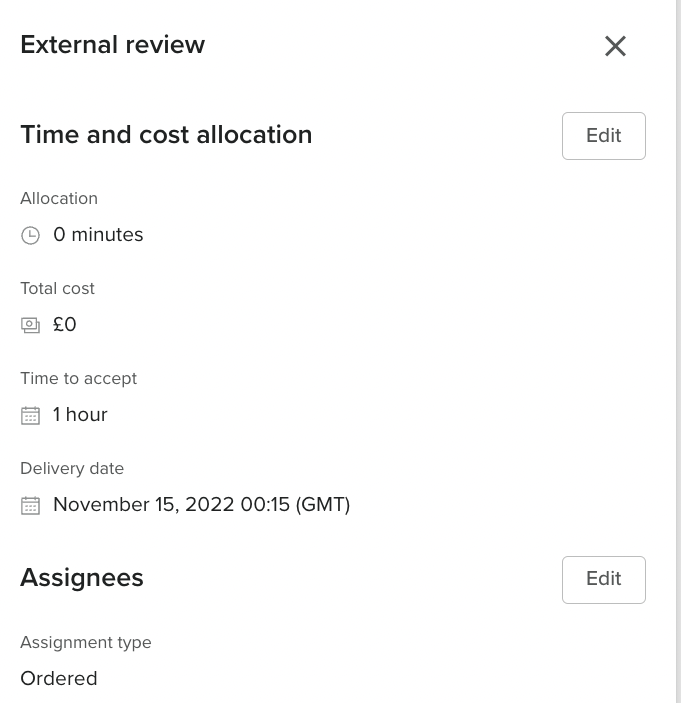
When the task has started there will be an update on the task timeline that says changes have been made. If the croudie has accepted the task, they will be notified of some of the changes made.
For example, if the task brief is changed the croudie will be notified of the changes and be able to complete the task to the new specifications.
You will now be able to edit the client and channel of a task which has been completed (and not invoiced).