
Auto-saved tasks can be found in the Draft tasks page.
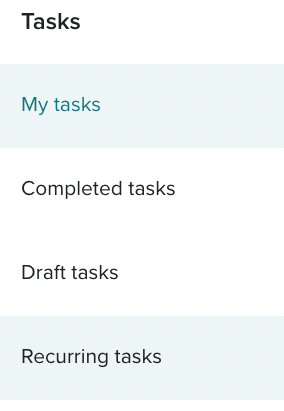
Click “View” To continue publishing the task via the task creation screen. Once published, the draft task will show in the My tasks screen,
Click on the bin icon to delete a draft. Please note that auto-saved draft tasks are deleted 30 days after creation.
