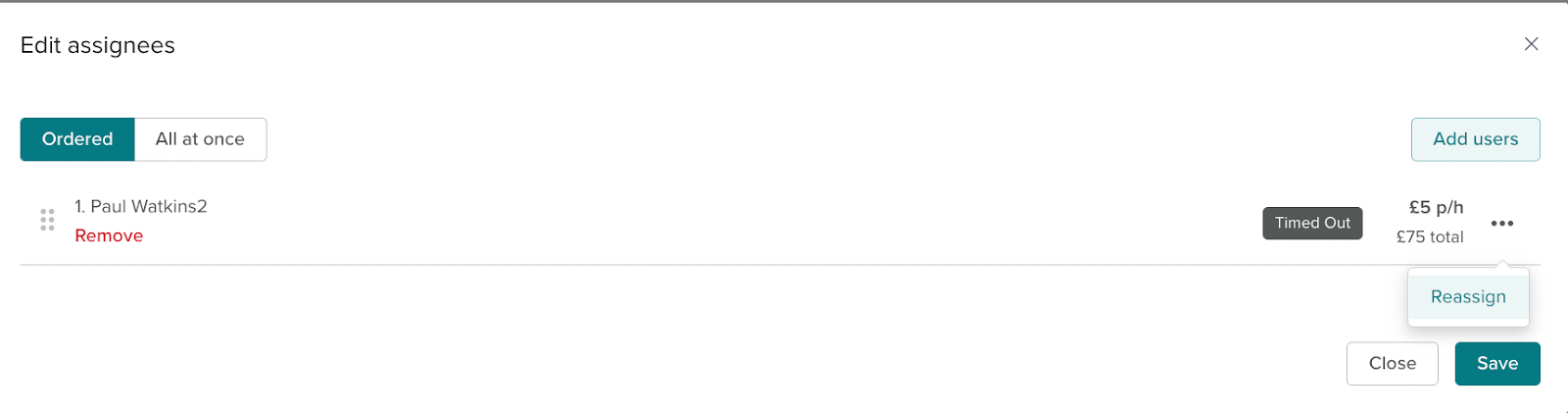
If a croudie has timed out or rejected a task it can be reassigned to them. This is used when Croudies haven’t accepted a task in time or if a croudie accidentally declined a task.
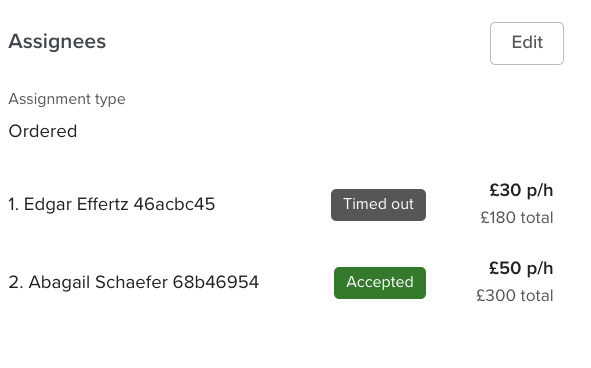
To reassign a croudie click the edit button in the assignees section. Then the 3 dots by the croudie name , the reassign option will then show for that croudie. It will only allow this if another croudie hasn’t accepted the task.