To complete the task, the work needs to be approved by the owner or watcher.
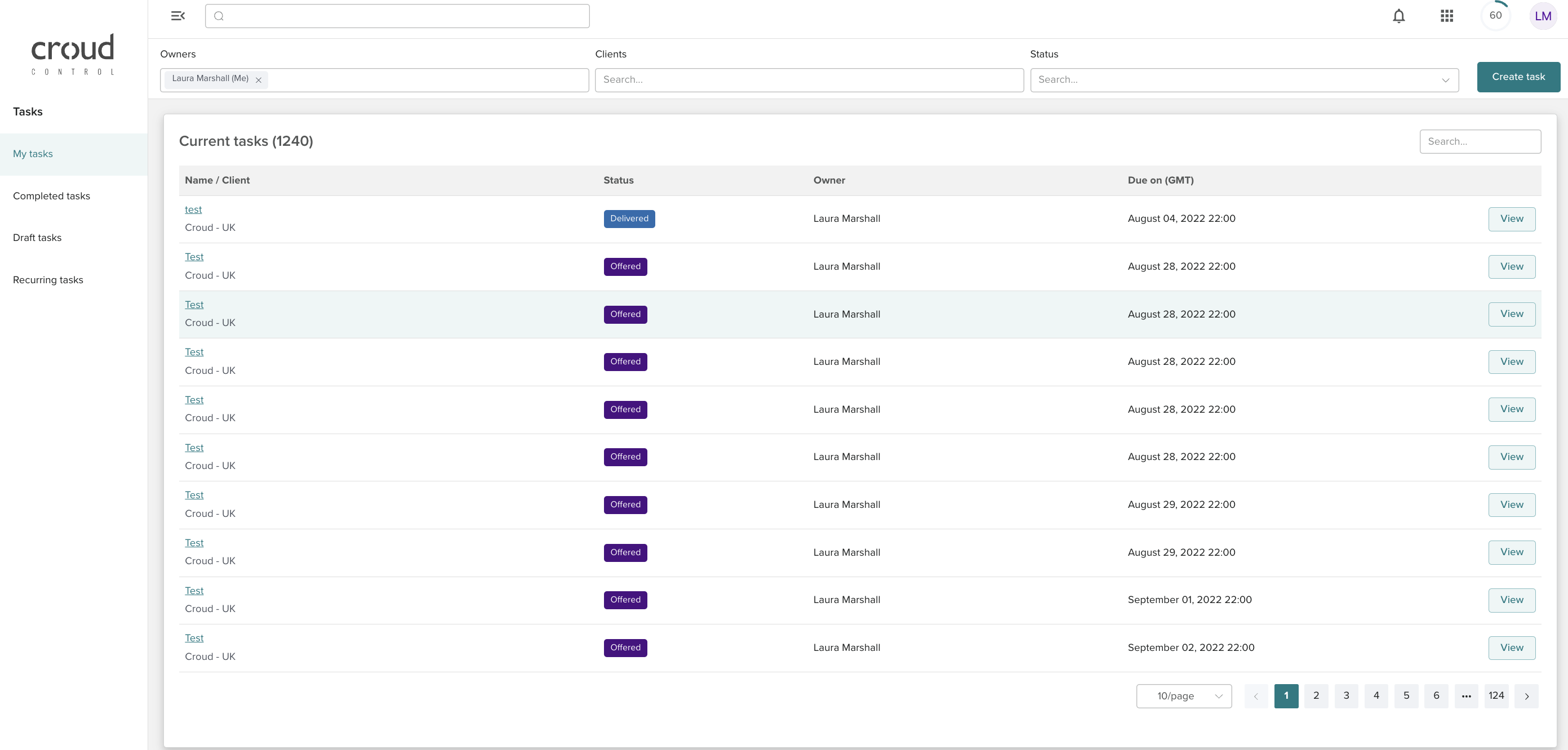
To approve a task users need to go to my tasks > view task.
When a task is approved that has no external review it will only show feedback and ratings for the croudie that completed the 'main ask'.
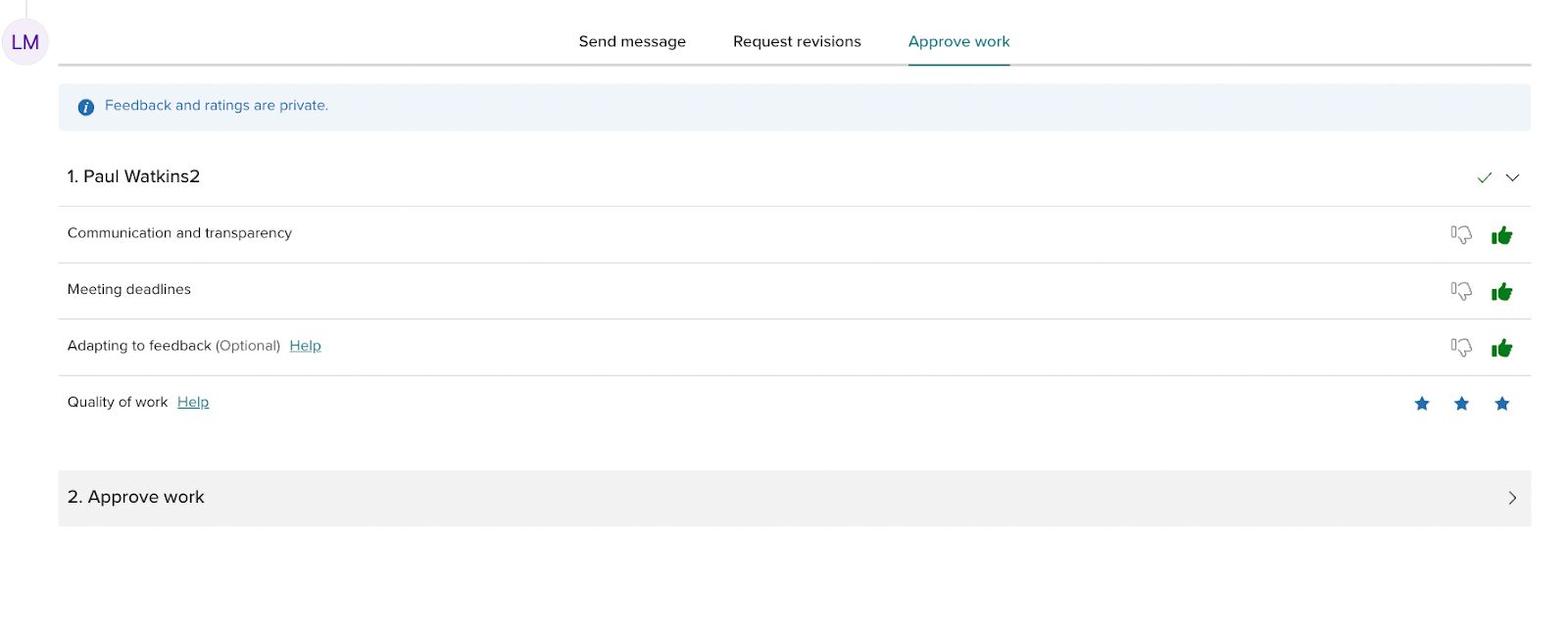
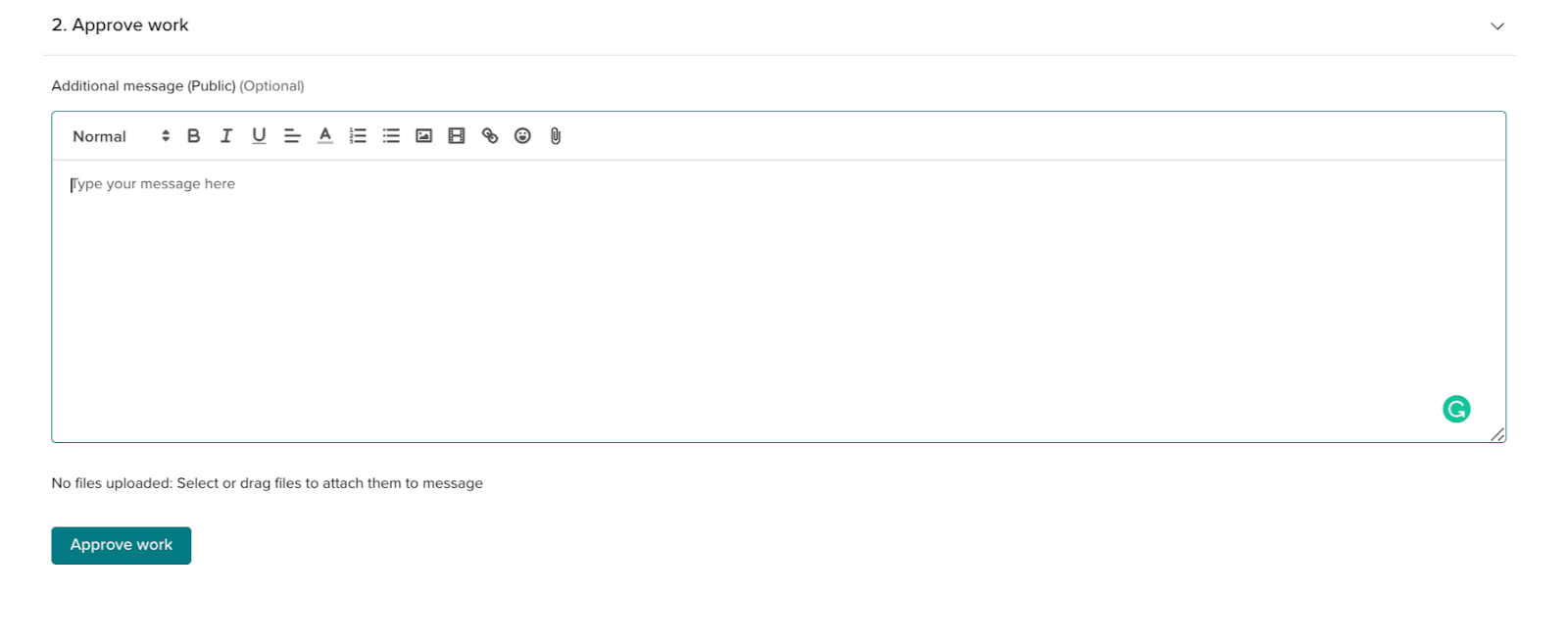
When approving a QA task and a main task there will be feedback and ratings for the assigned croudie or FTE that completes the ‘main ask’ and the reviewer.
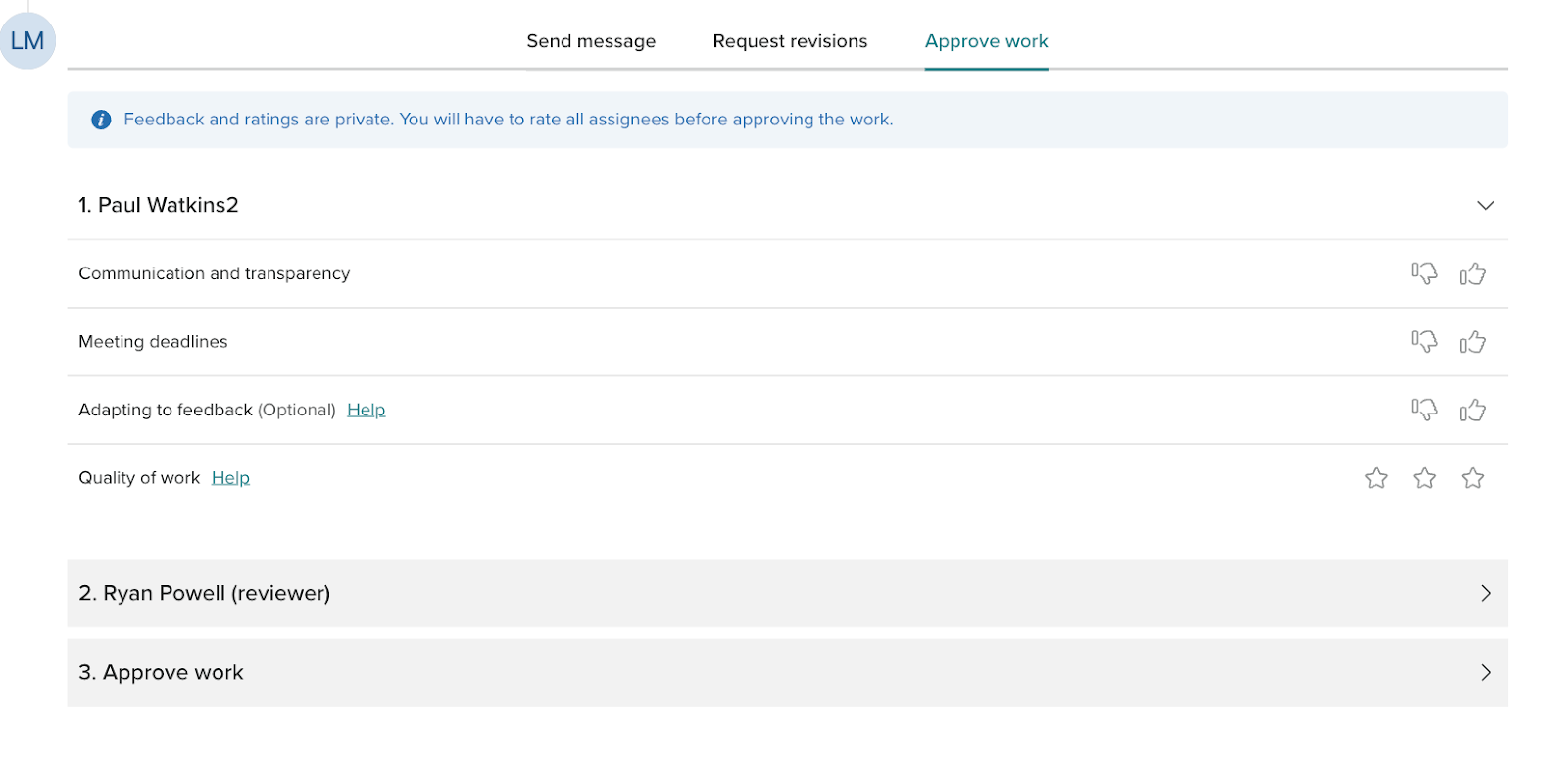
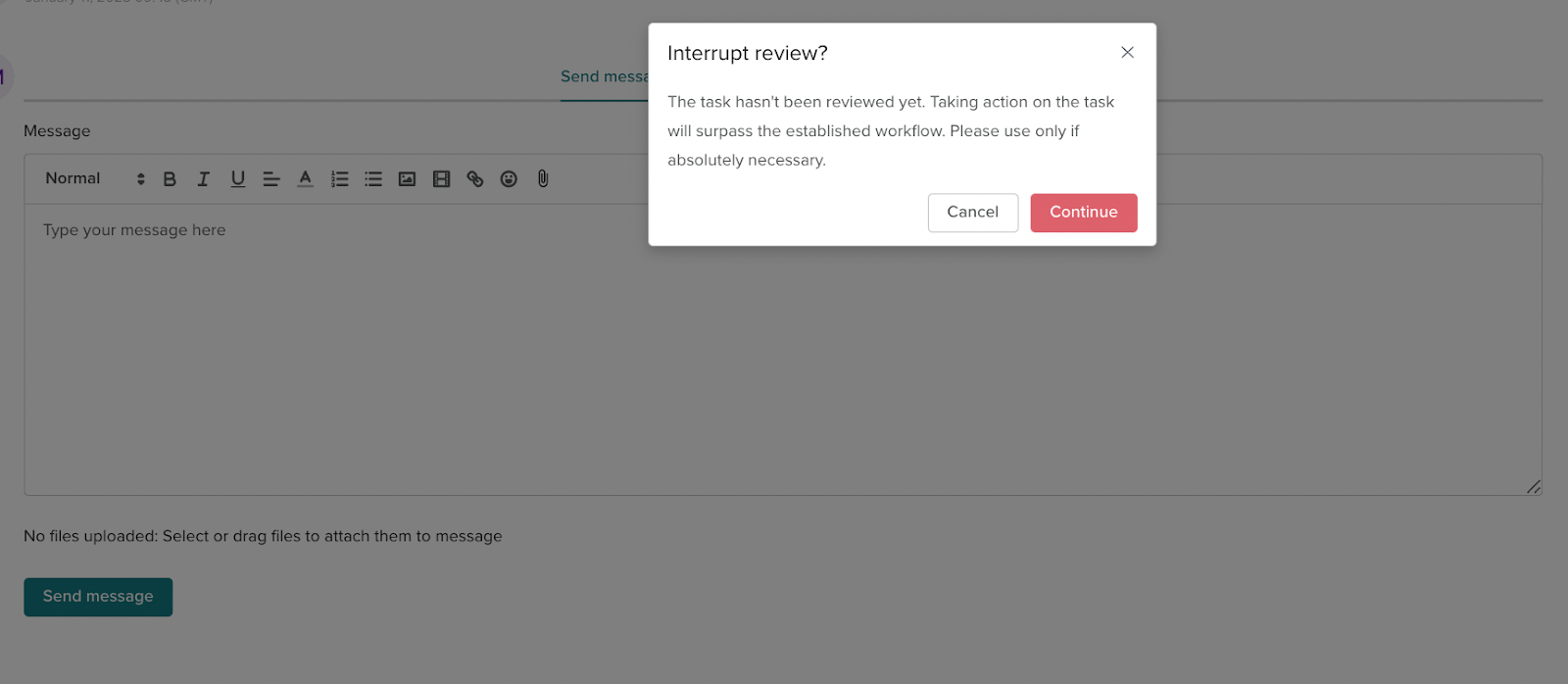
As a task owner, you can approve the task even if the stage of the task is in review. This is only to be used when absolutely necessary.