
To view your draft tasks, in the main navigation bar, click on tasks and Planning > Draft work management.
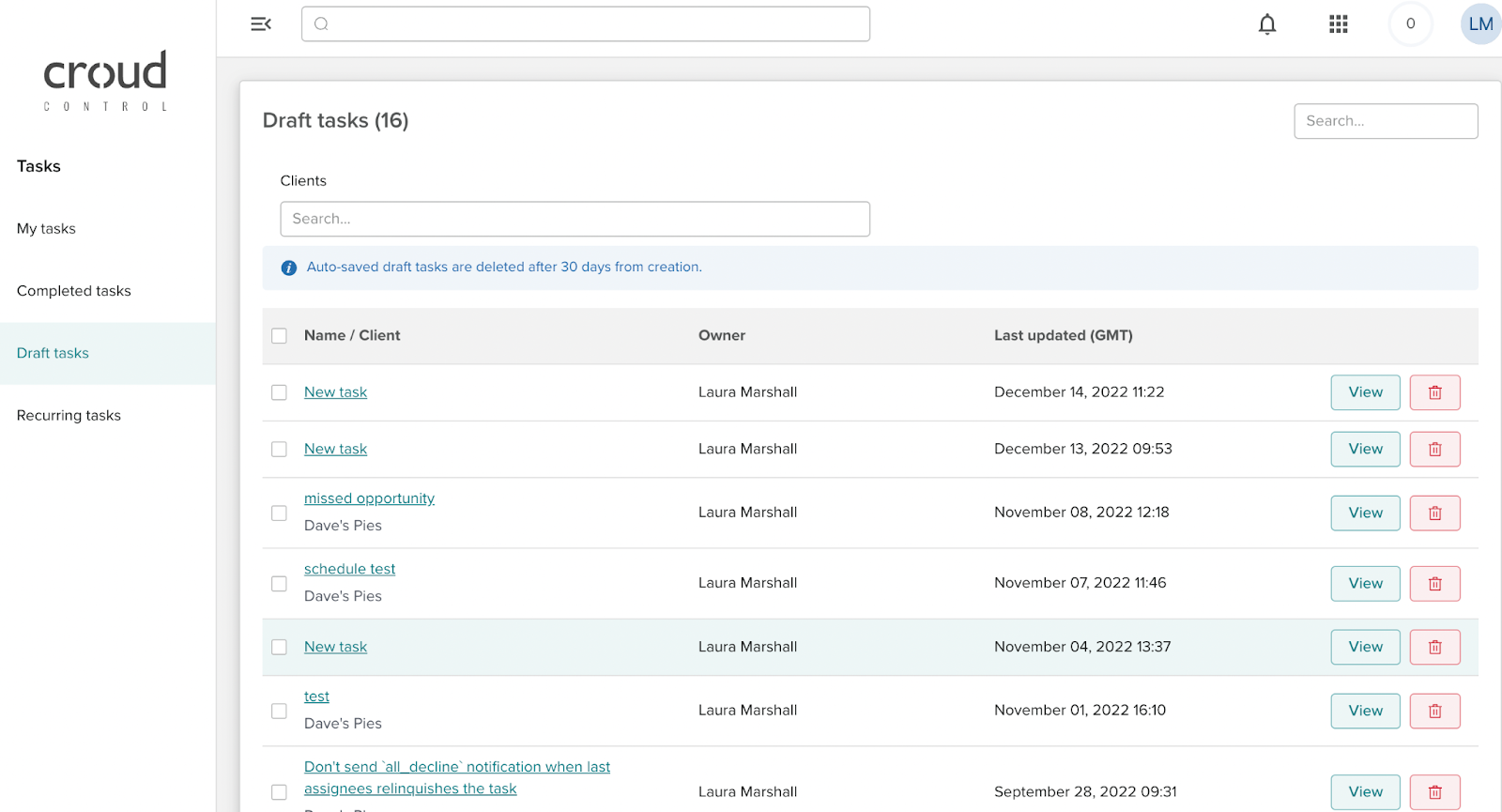
The section will display all draft tasks. Within the draft task section, you will be able to search for the task name as well as filter for clients.

By clicking on the View button, it will take you to the task manager where you will be able to make amendments and publish the task live.

Next to the view button, there is a delete icon, to delete the draft task.