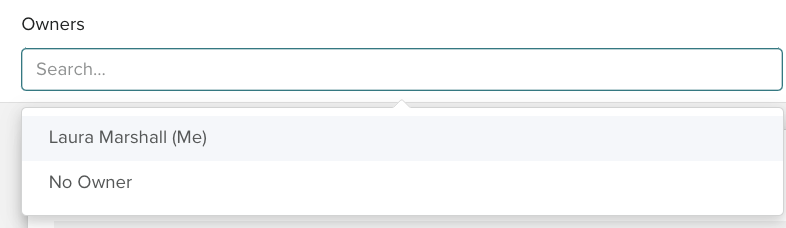
To view a member of your team's or your whole team's tasks, in the main navigation bar, click on tasks and Planning > Tasks.
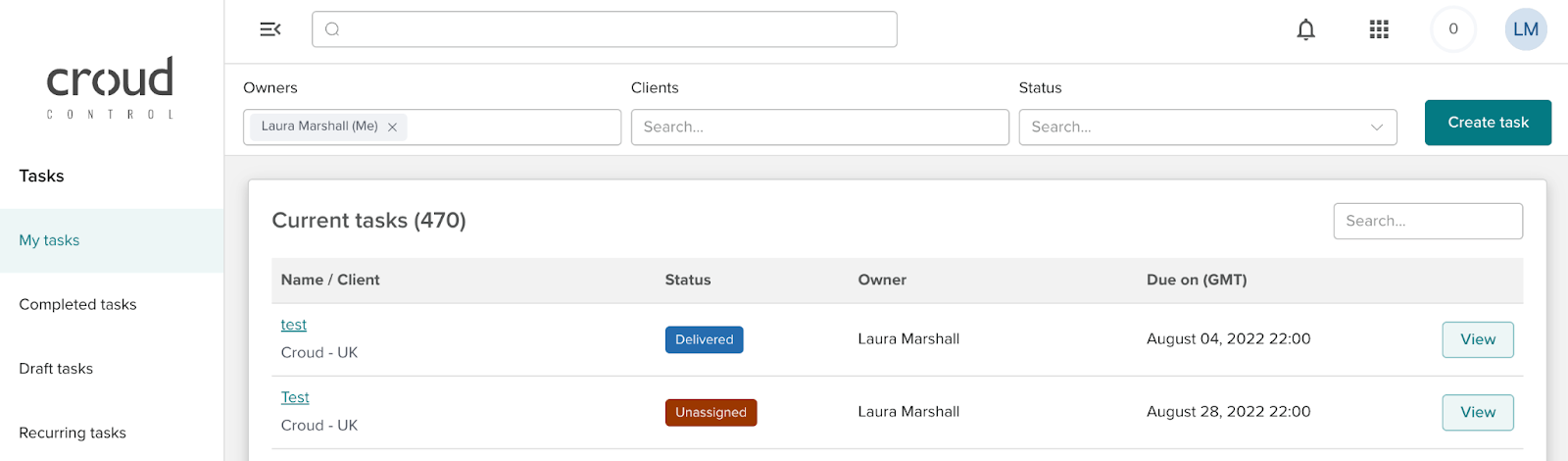
You will notice a filter has been added to the ‘Tasks’ page. The filter allows you to see the Open and In Progress Tasks owned by other FTEs. This is useful for when you’re covering holidays or sickness, or simply keeping a close eye on your team's workload.