
`
To view your completed tasks, in the main navigation bar, click on Tasks and planning>Completed tasks.
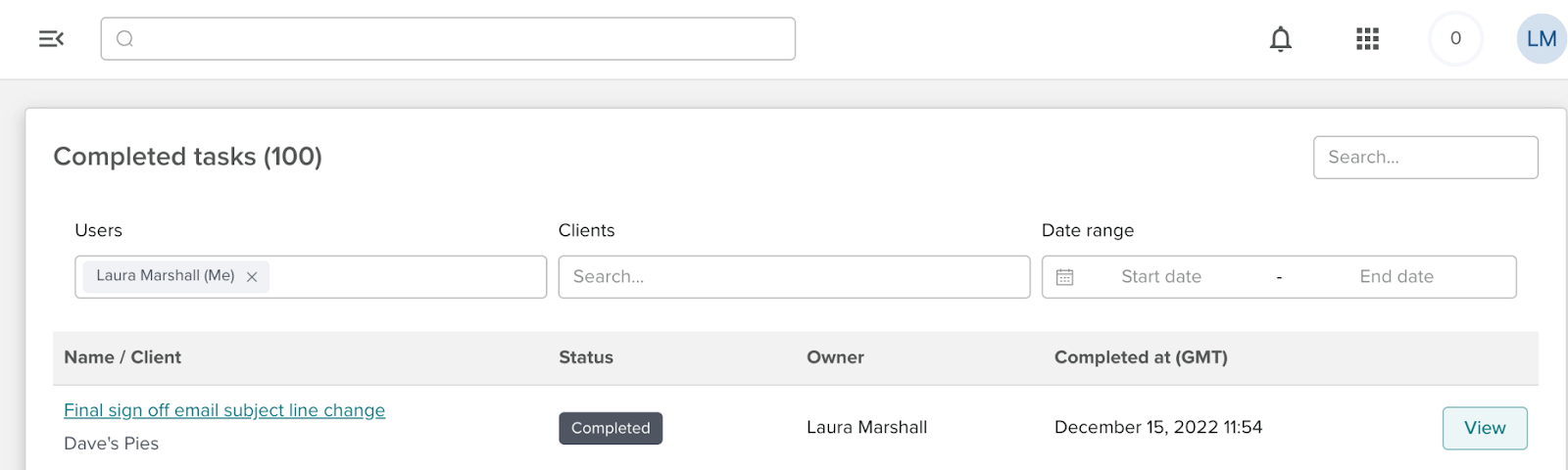
You will notice a filter has also been added to the ‘Tasks’ page. The filter allows you to see the completed or deleted tasks owned by other FTEs.
Can I delete a completed task?
You cannot delete a completed task. However, if you have accidentally completed a task and as a result, a Croudie has been paid the incorrect amount for the tasks they have completed within the job, you will be allowed to change the hours/value but only if the task hasn’t been invoiced by the Croudie.
Can I edit a completed task?
The only fields you can edit on both completed task is the cost or hours assigned - but this is only possible if the Croudie has not yet raised an invoice for that task. If you have accidentally completed a task and have paid the Croudie the incorrect amount for the tasks they have completed. You will be allowed to change the hours/value but only if the task hasn’t been invoiced by the Croudie.