
To create a recurring task, navigate to your my work page.
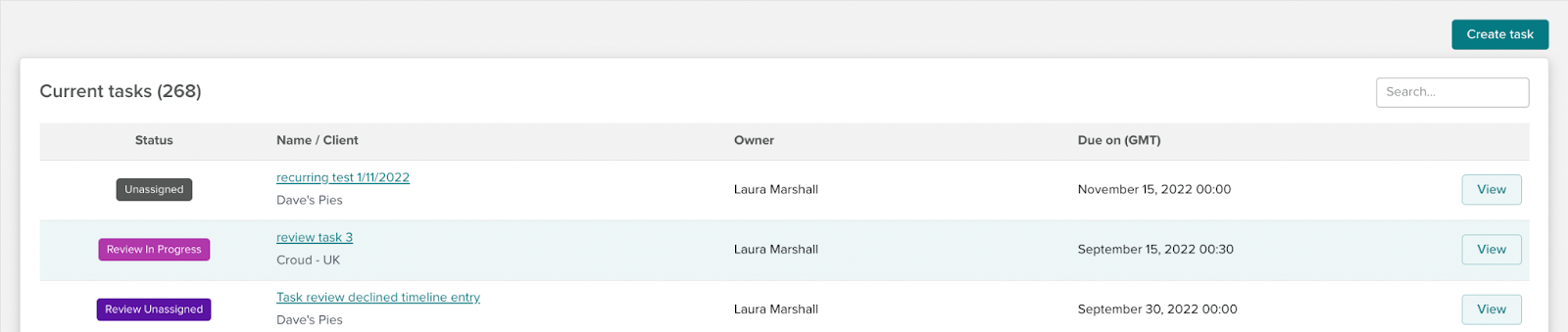
Click Create
The same new task screen will open as when creating a new task that is not recurring.
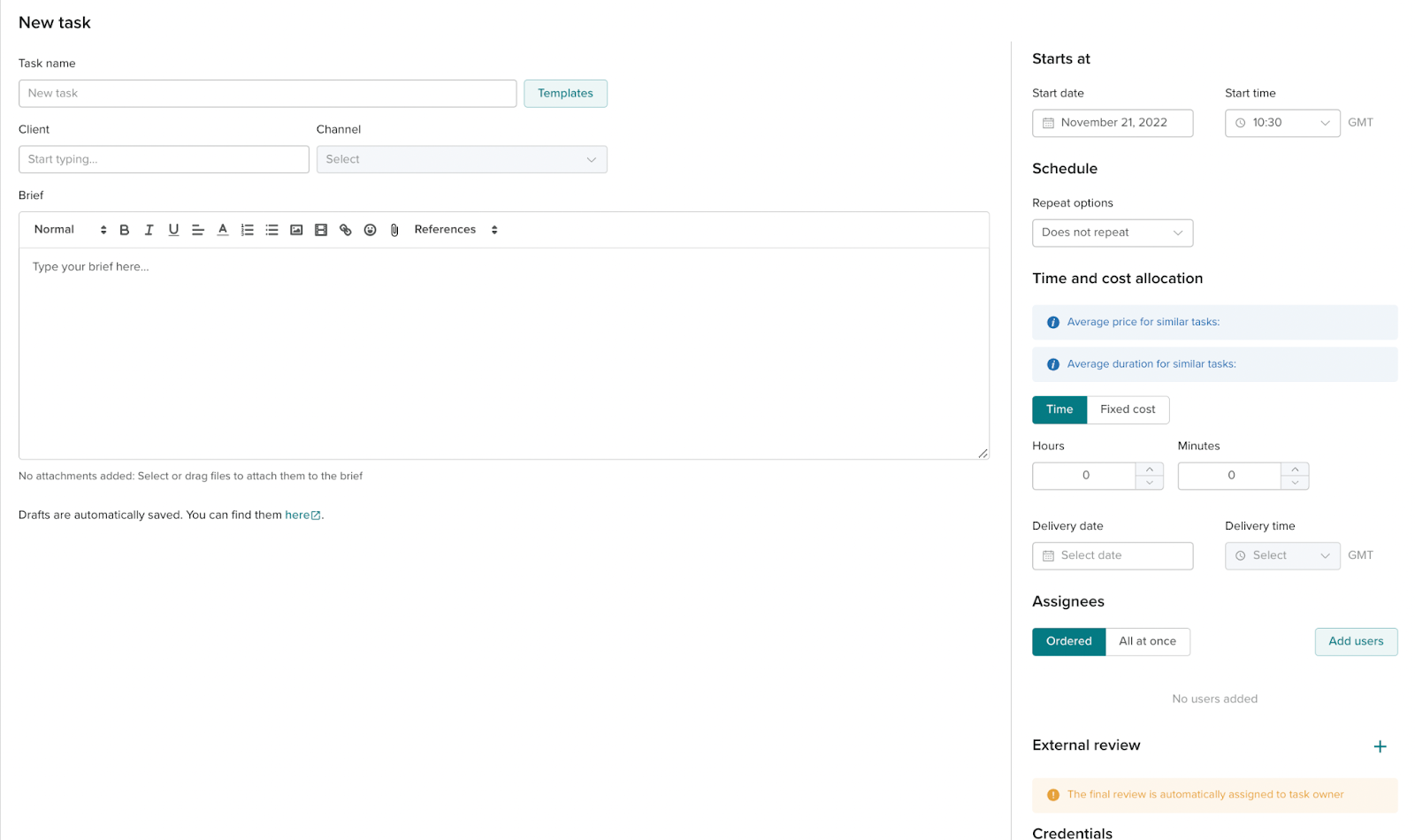
The required fields to complete to send a task are:
Task name
Channel and Client rief (we do suggest using templates from the auto-suggested or the template library)
Deadlines
Assignees (Croudies)
You can also add access for assignees to complete their task.
In this screen there will also be a schedule section.
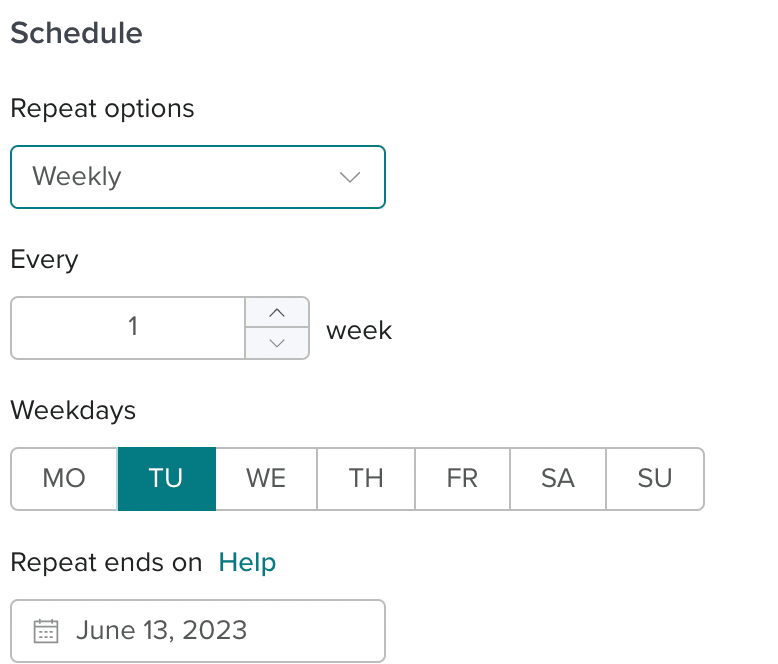
By giving a task a schedule, you are creating a recurring task. This means that the task repeats itself based on the options selected until the end date. `
The repeat options for a schedule are
Does not repeat (not recurring)
Daily
Weekly
Monthly
Same day each month
Same week each month
You can set recurring tasks to run up to 6 months from the start date.