
To view a recurring task, navigate to your 'recurring task page.
To see the full schedule of a task press the view button next to the task.
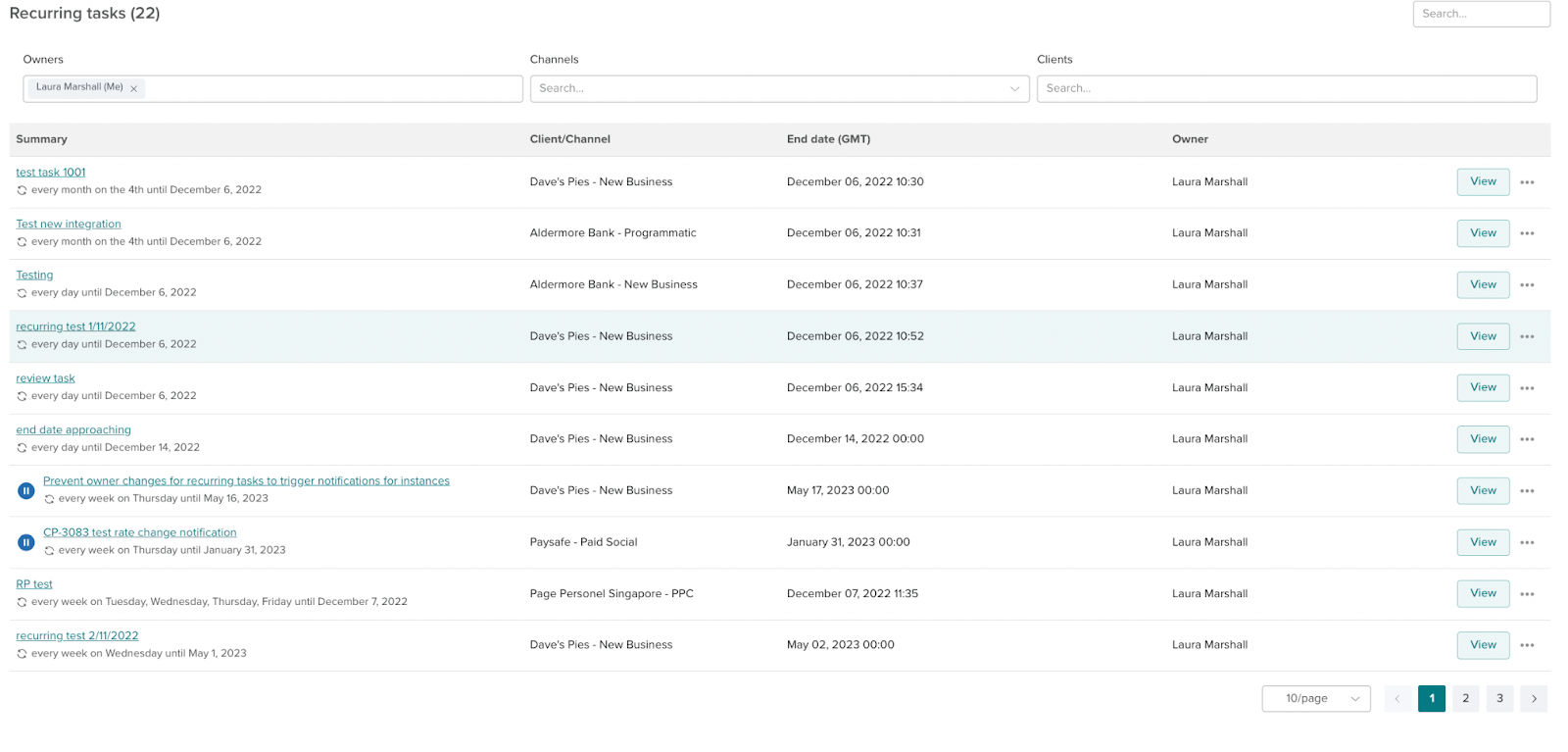
From this page, you can change ownership of a recurring task, add watchers, delete, edit schedule and pause schedule.
If you see a paused icon next to a recurring task, that means the task owner has paused the schedule, and therefore no new tasks from that schedule are being sent out. Next to each task, there will be a pause button to pause/resume every single instance. To pause a single task click the pause icon next to the task.
