
Navigate to the recurring tasks page on the nav bar, from here you can view all your recurring tasks.
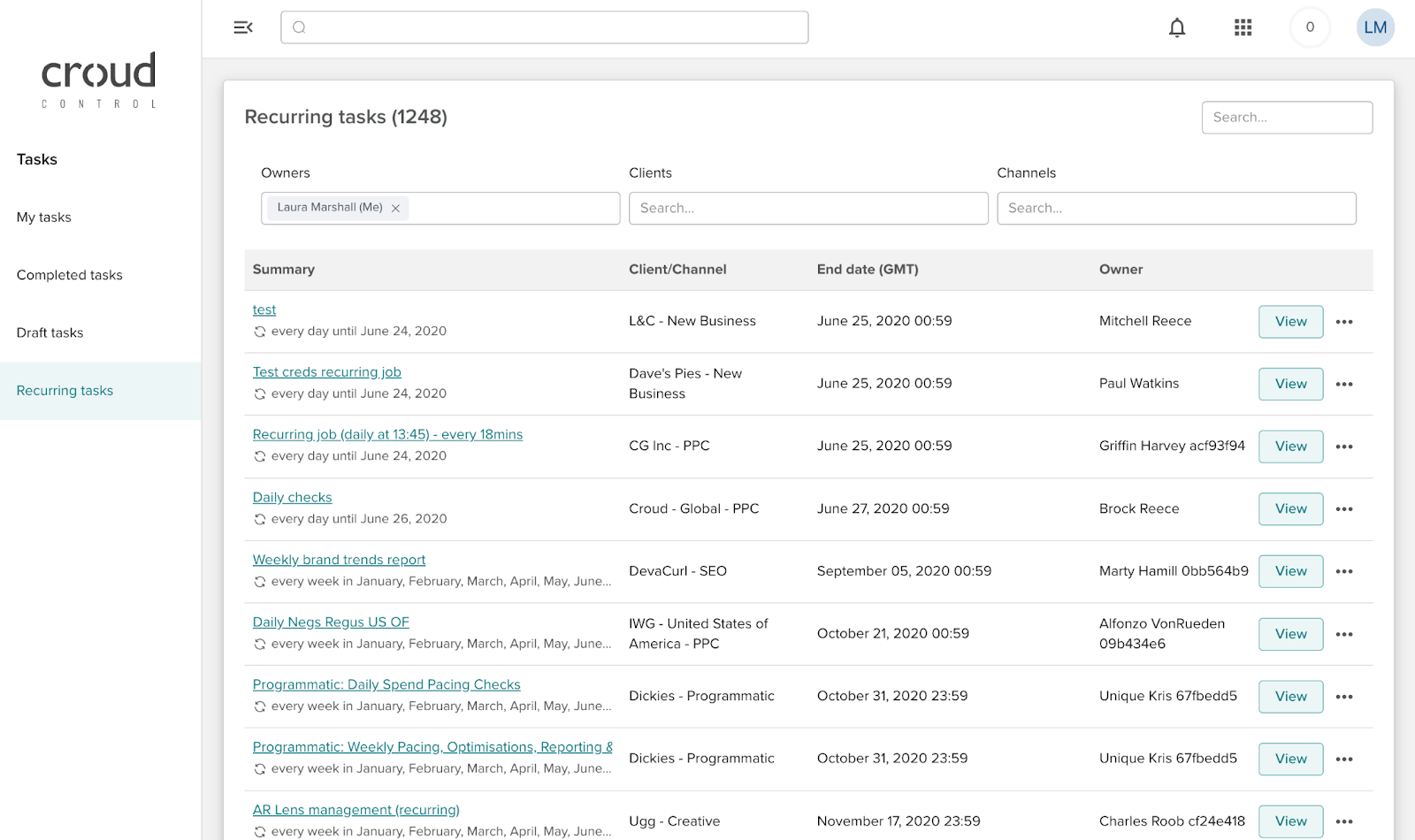
To edit the full schedule of a task, click on the view button next to a recurring task.

For every recurring task, there is an option to delete all occurrences on the full schedule page.

This will delete all the future instances of a task but not any currently running instances.