
To view recurring tasks belonging to you or other Croud colleagues, in the main navigation bar, click on tasks> recurring work. Choose a single instance of a task and press view to get to the full edit schedule page.
To change the schedule of a recurring task, click edit task on an instance.
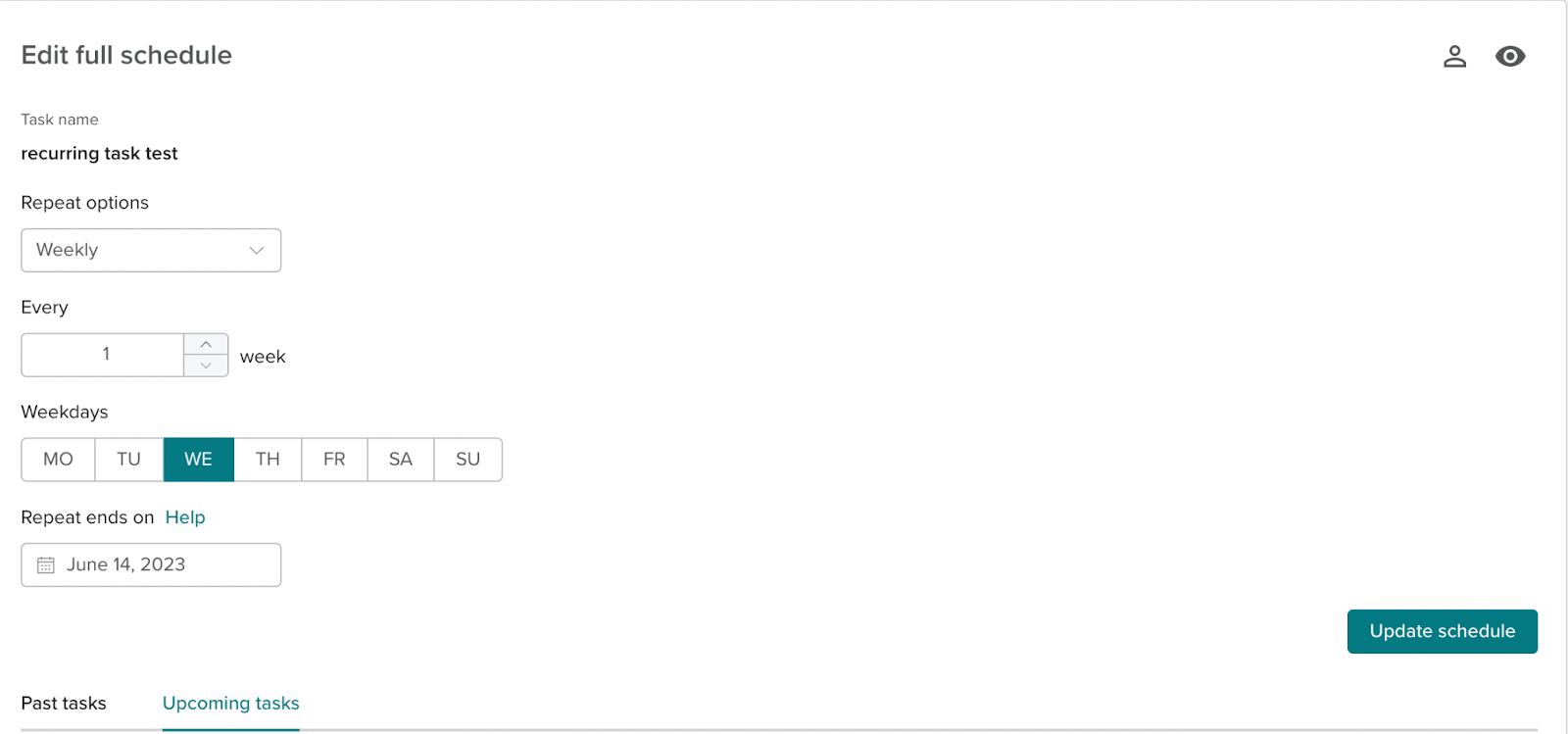
The options to change the schedule are found here. From this page, users can change all the repeat options. By changing the schedule of a recurring task, you are editing all future instances. If there are any instances of recurring jobs that are still in progress then these are still eligible to be completed by the user, or deleted by you if you no longer need the job. Once you have edited your schedule, click “Update Schedule”