
Navigate to the recurring tasks page on the nav bar, from here you can view all your recurring tasks.
To edit the full schedule of a task, click on the view button next to a recurring task. Then click edit task on a single instance and it will take you to the task creation screen.
To extend the end date of the schedule, change the repeat ends on date.
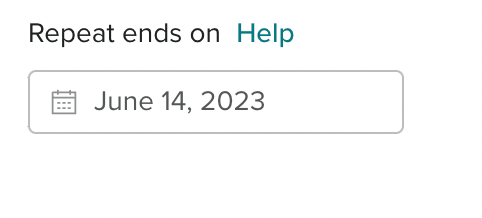
Why can’t I extend the recurring task?
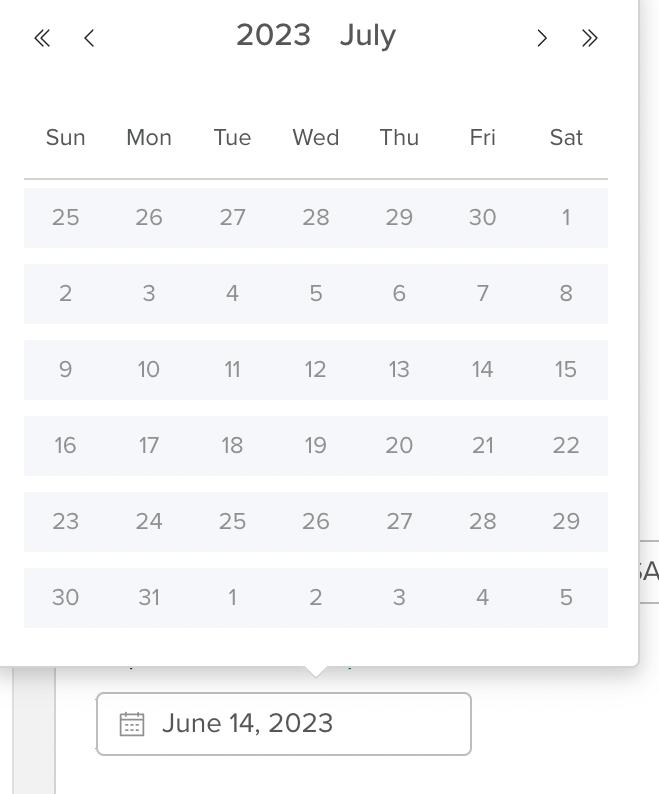
When extending the recurring schedule if the calendar is greyed out on dates it means they extend over 6 months from the start date.