
You can remove croudies from any of your tasks. To access your tasks travel to the My Task’ page.

Click View on a task to open and have options to edit it.
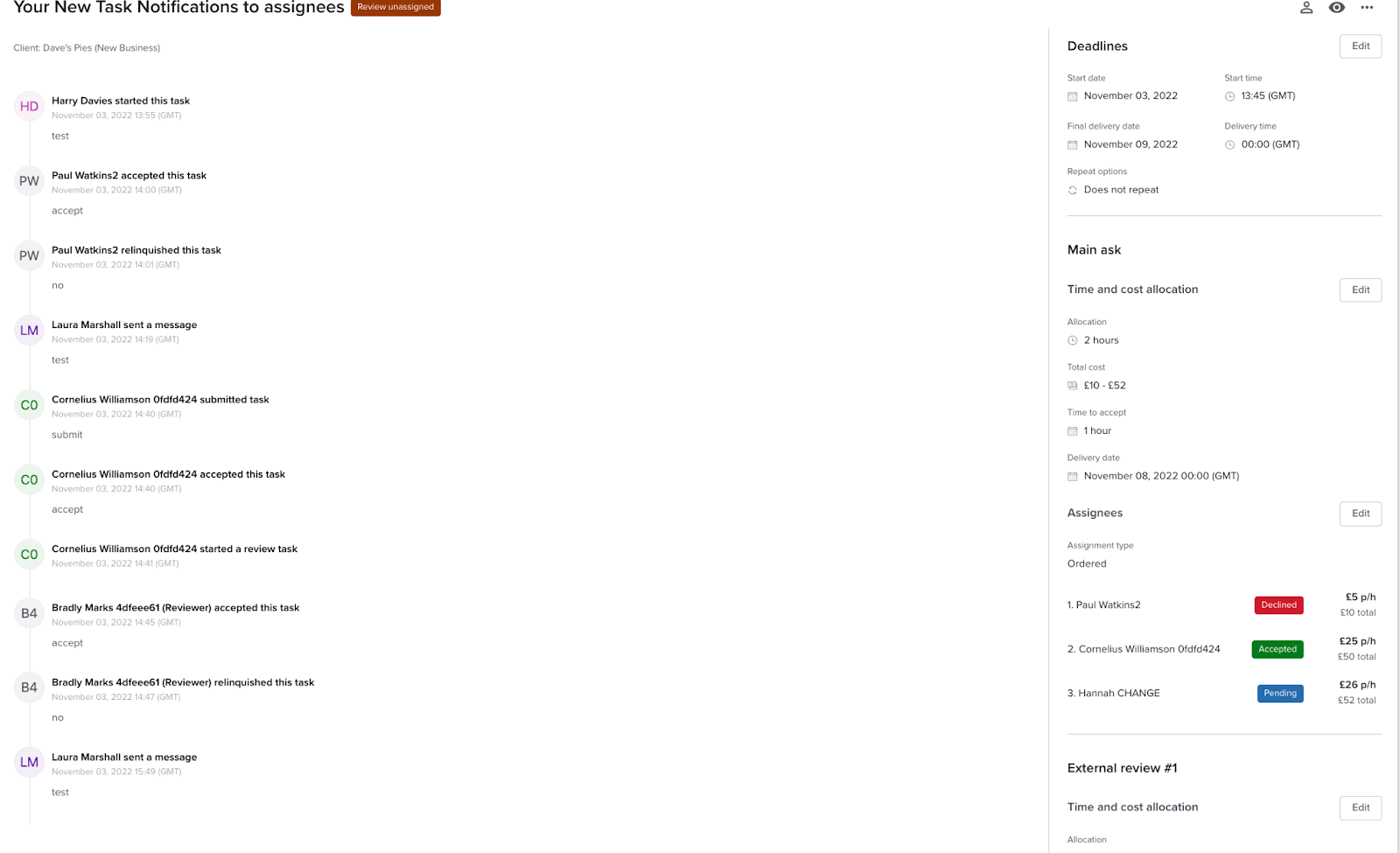
Click “Edit” on the assignee section to open up the edit assignees modal.
You can remove Croudies from tasks in the edit assignee page but only if the Croudie hasn’t yet accepted the task. If the Croudie has accepted the task then you will need to cancel the task, make a copy of the job and assign the task to other Croudies. Alternatively, you can ask the current Croudie via the message feature to relinquish the task. Once the task has been relinquished, you can edit the task to choose a new Croudie from the Croudie picker.
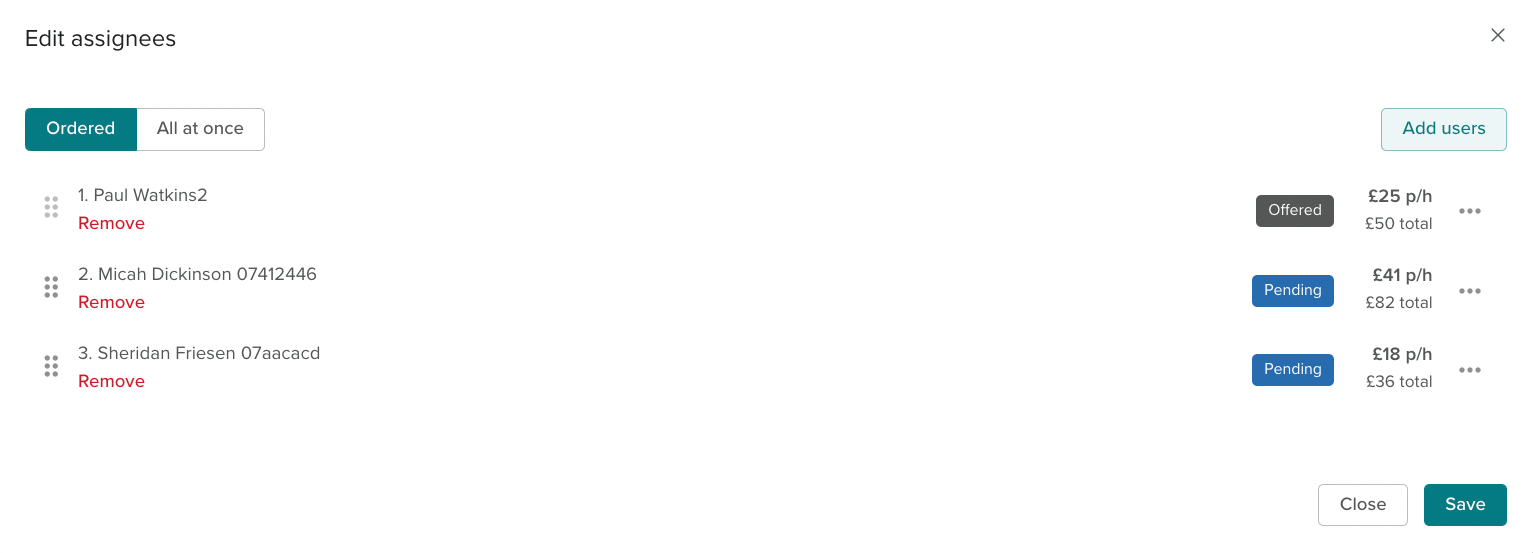
To remove a croudie, click the remove option under their name.