
You can change the channel of a task from within the task. These changes will reflect on the plan view for both you and the client. You cannot change the channel of a job which has been completed. Please submit a ticket to support@croud.com if this has happened.
To change the channel on a task that is not complete click ‘edit details and brief’.
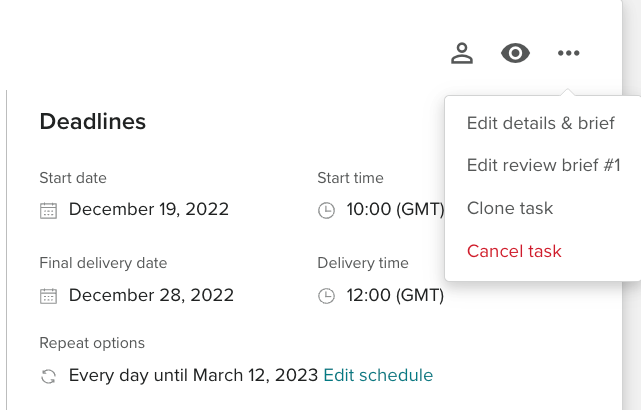
This will open the ‘edit task details page.
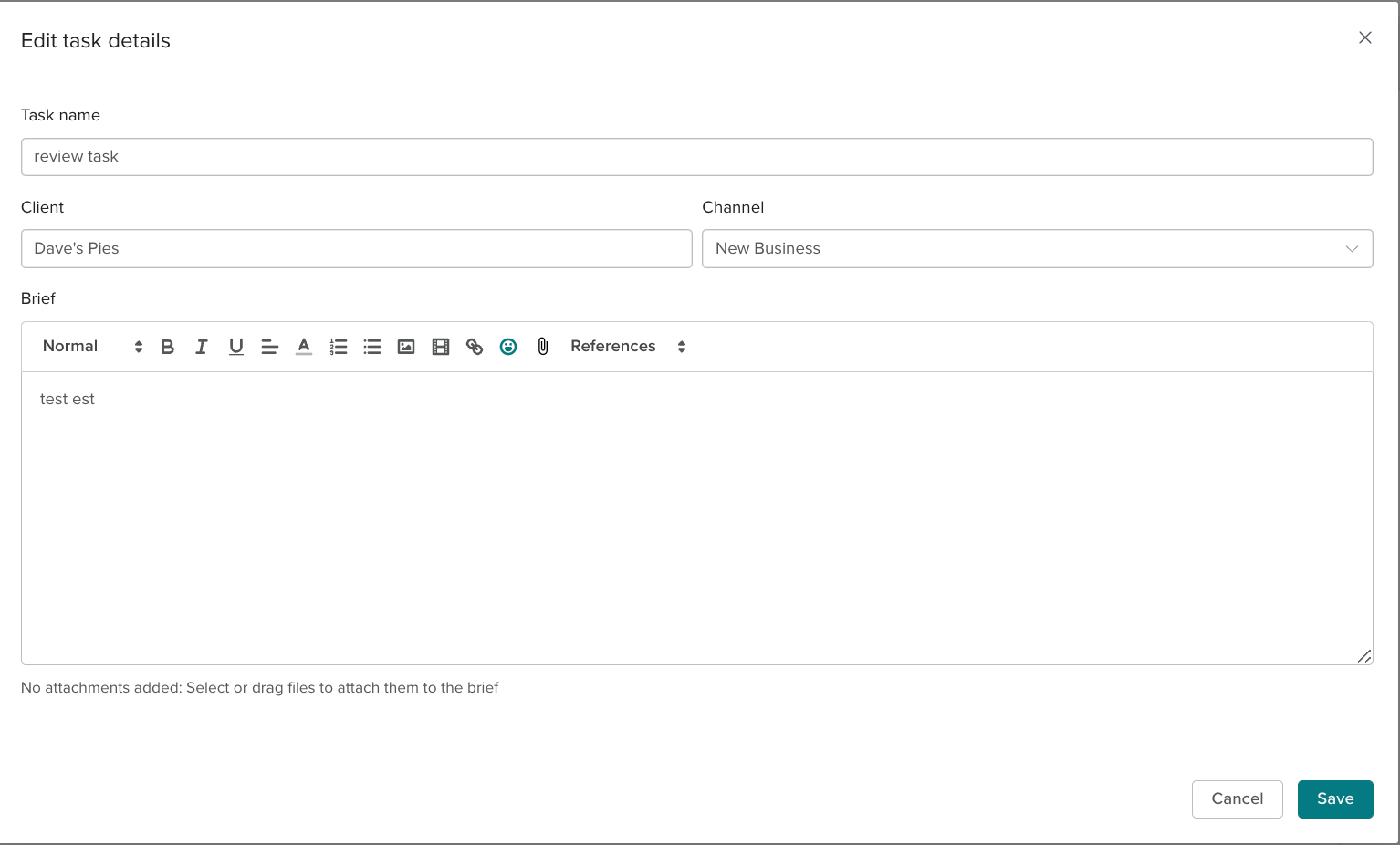
From here you can edit the channel, client, brief and task name.