To find a client in Croud Control, follow these steps :
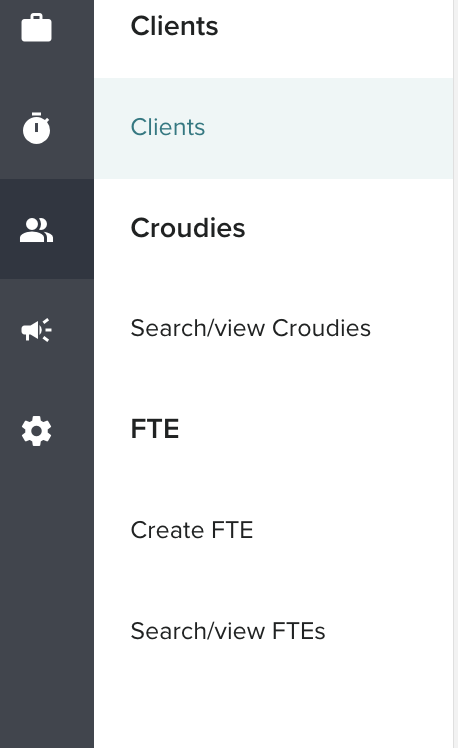
In the main navigation bar, click User Manager > Client
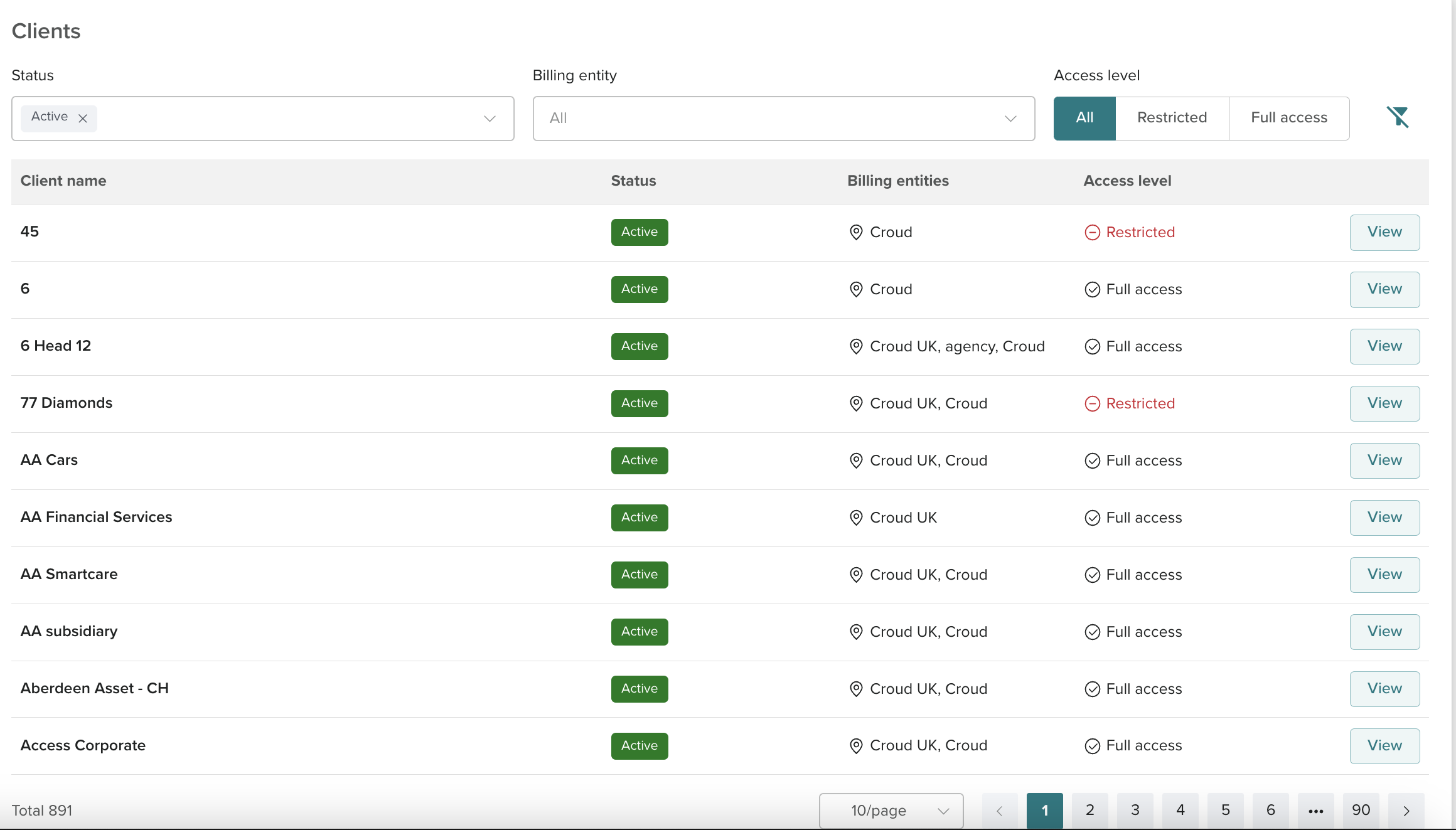
This should show the Client page which displays all clients. These clients can be filtered by Status, Billing entity and Access Level.

Modified on: Tue, 25 Jul, 2023 at 2:25 PM
To find a client in Croud Control, follow these steps :
In the main navigation bar, click User Manager > Client
This should show the Client page which displays all clients. These clients can be filtered by Status, Billing entity and Access Level.
Did you find it helpful? Yes No
Send feedback