
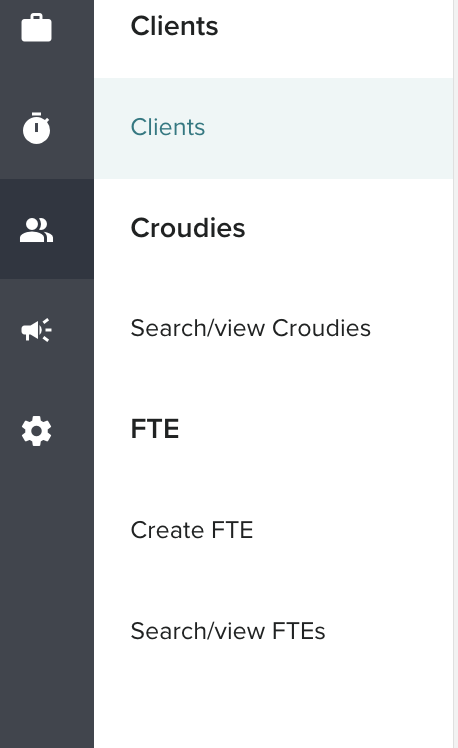
Existing clients on Croud Control can be edited by users with access to them. To edit an existing client in Croud Control, in the main navigation bar, click on User Manager > Client
The below page will show. Users can search for the client on this page and filter by the client's Status, Billing entity and Access level.
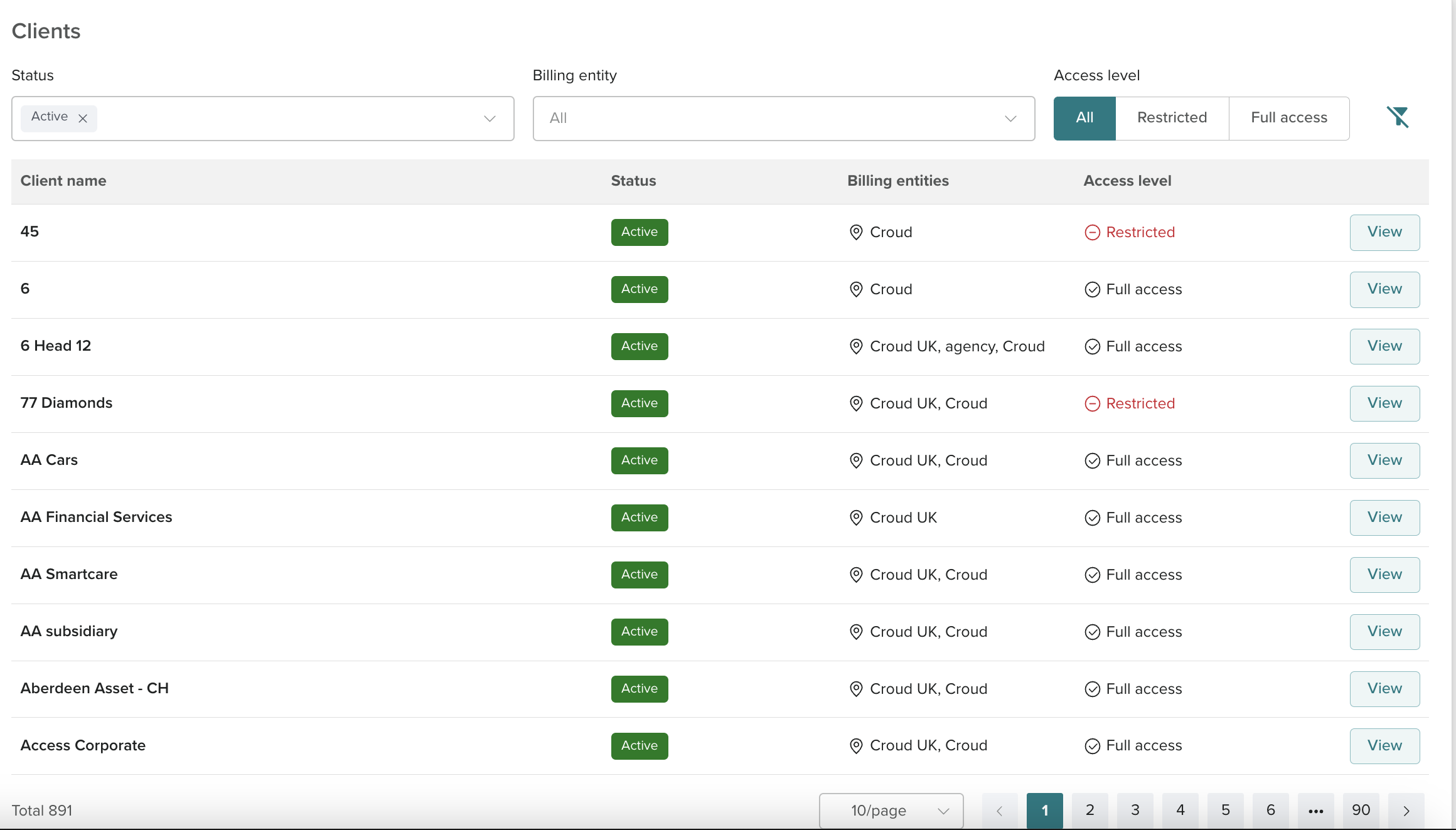
To see the client's details click view.

When view is clicked it will open on the client Summary page.
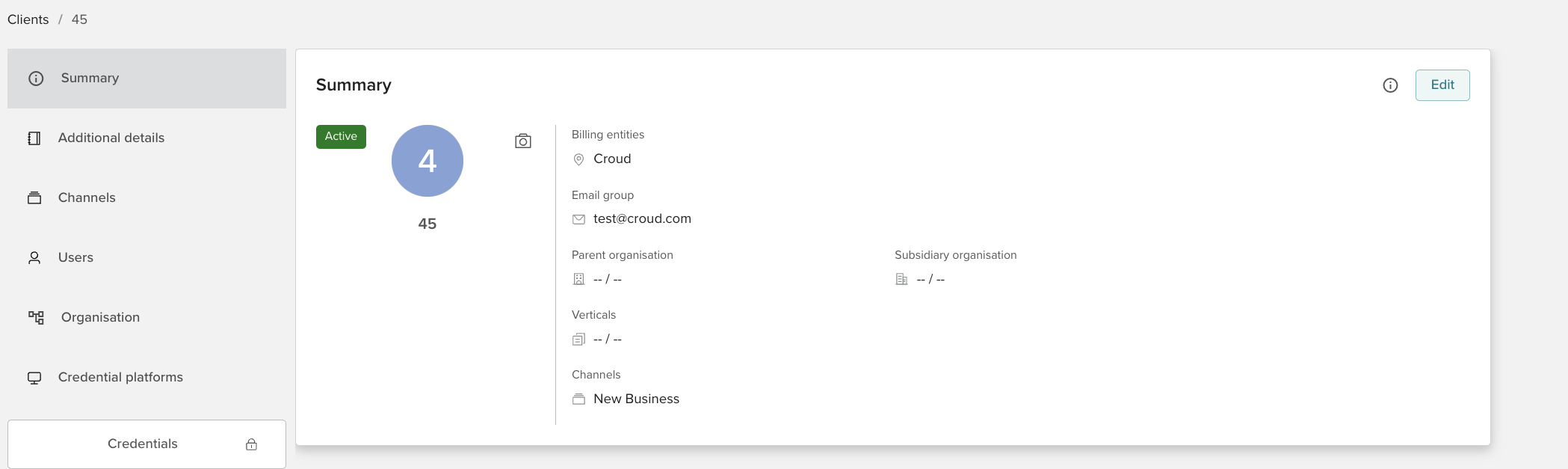
On the summary page, users should be able to see the edit button. This should not be affected by what status the client is in and should always be visible unless the client is restricted to you.
After pressing the edit button the below screen should show.
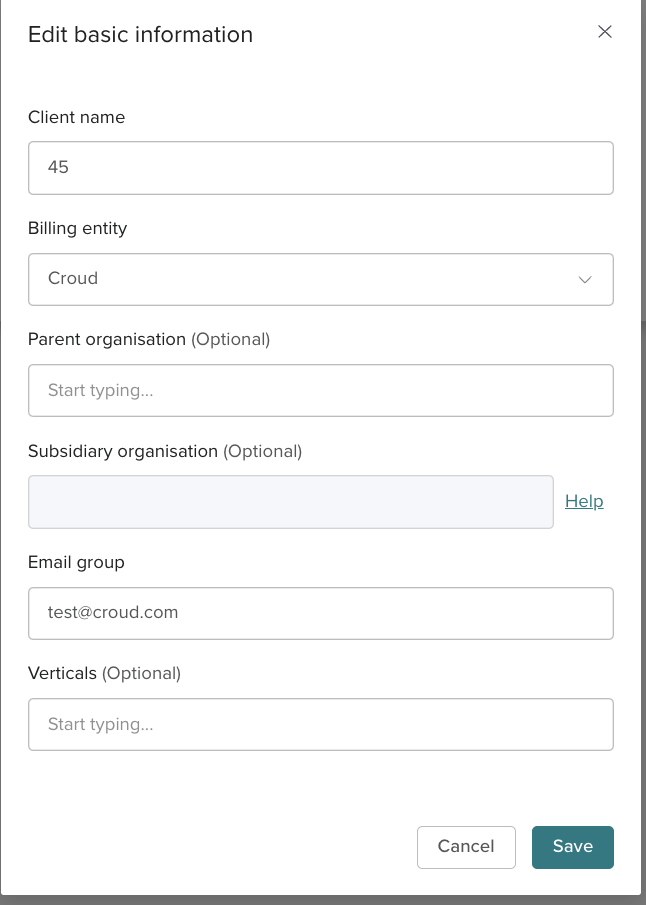
Client name , Billing entity and Email Group are mandatory fields that need to be filled in for every client. Users cannot change the Billing entity on a client and will need to email access@croud.com.