
By adding a parent client, you can link companies/client brands together and create an organisation of clients. By adding a parent to a client, it will show all the clients the parent client is affiliated with on the organisation page. There can only be one parent for each client.
To add the client to a parent in Croud Control, go to the “User Manager” in the main navigation menu and go to Clients.
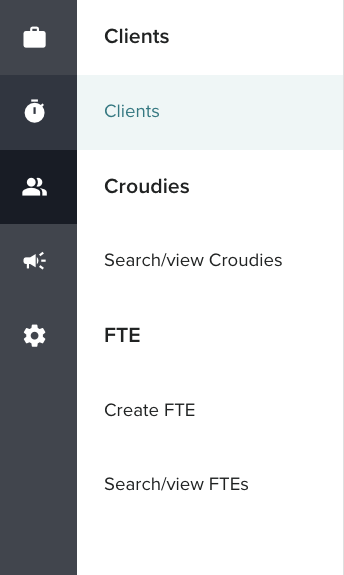
Search for the client that you want to add a parent for in the search bar and set the filters based on Client Status and click “View”.

From here it will take users to the Summary page for the selected client.
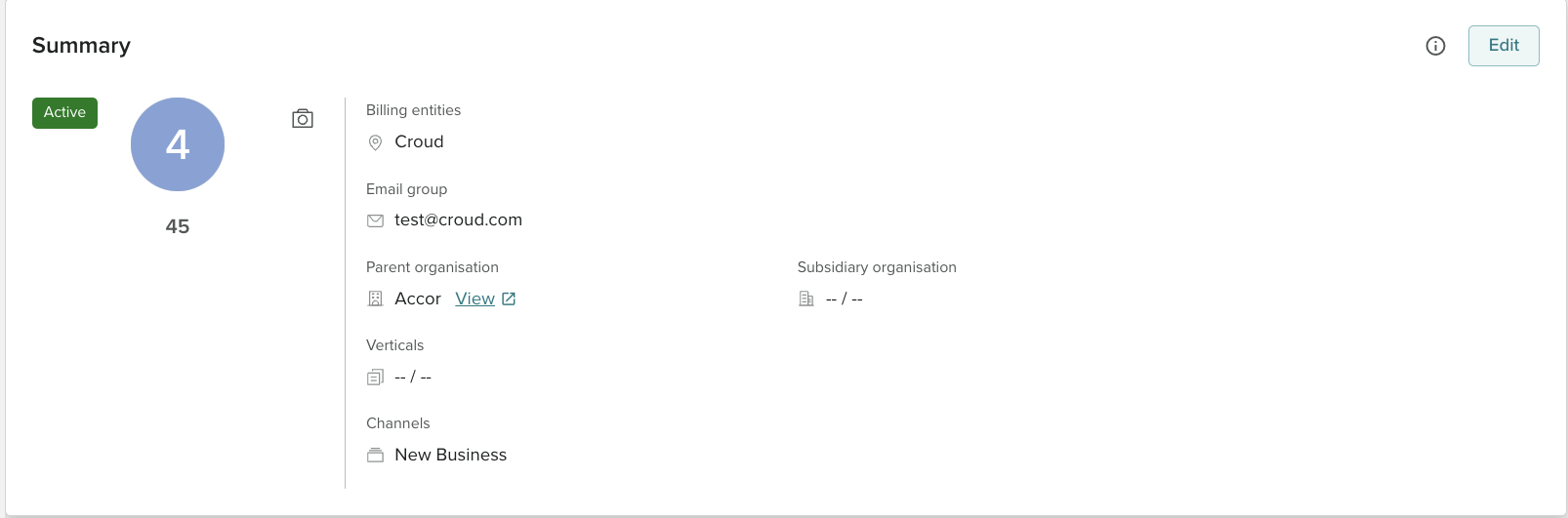
From here users can press edit which will give them the option to change the client's basic information which includes the parent client.
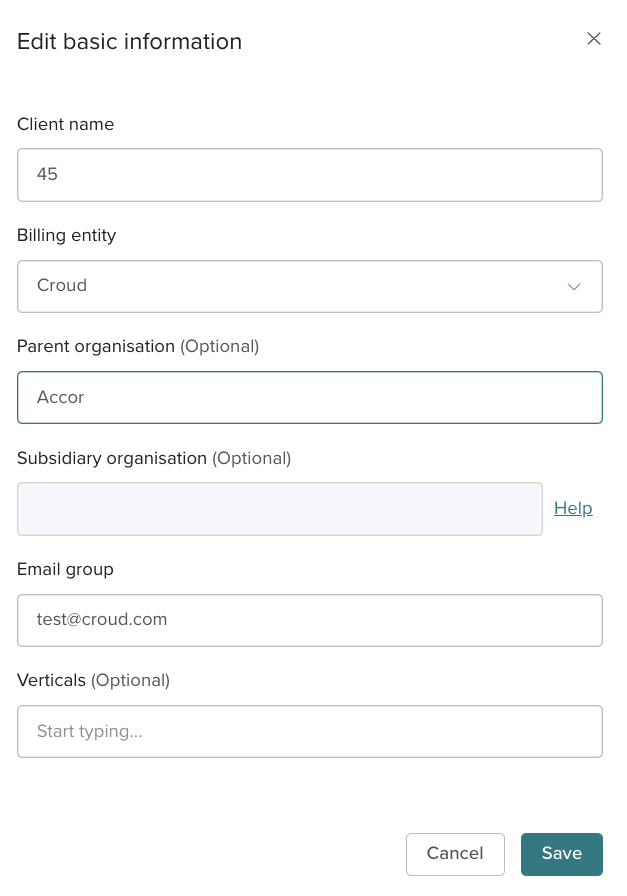
Once this information is added and saved users can view the organisation by going to navigation to organisation via the navigation bar to the side of the Client details page.
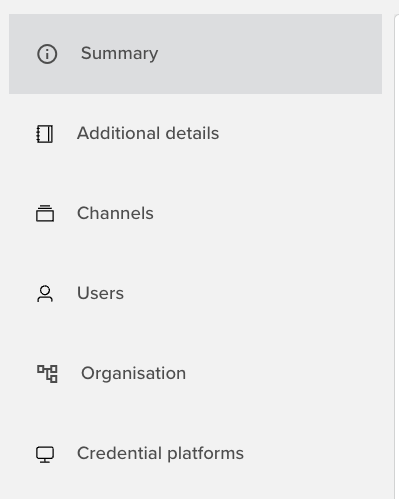
On the organisation page the parent client that has been added to the client should show with a link to view the client beside it.
