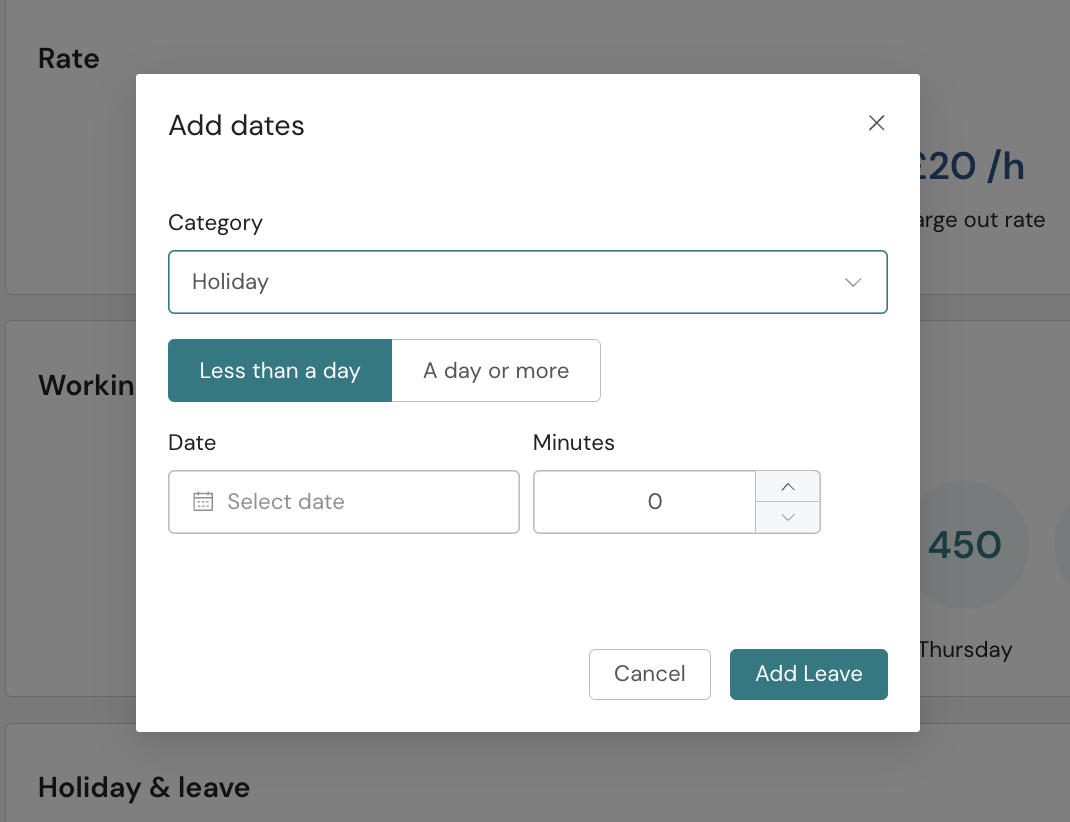
In addition to submitting your leave request through People HR, you must also log your holiday in Croud Control before going out of office.
Public Holidays must also be added manually to your Croud profile, as they are no longer updated automatically.
Logging your time off in Croud Control ensures your target minutes are adjusted to reflect time you’re not working. To view your target minutes, go to “My Profile”.
How to log your time off in Croud Control:
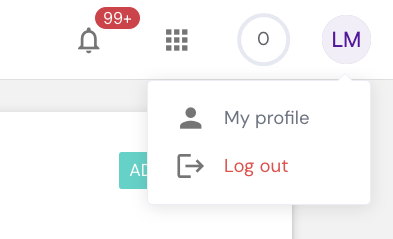
1. Go to your Profile.
2. Click on "Availability".
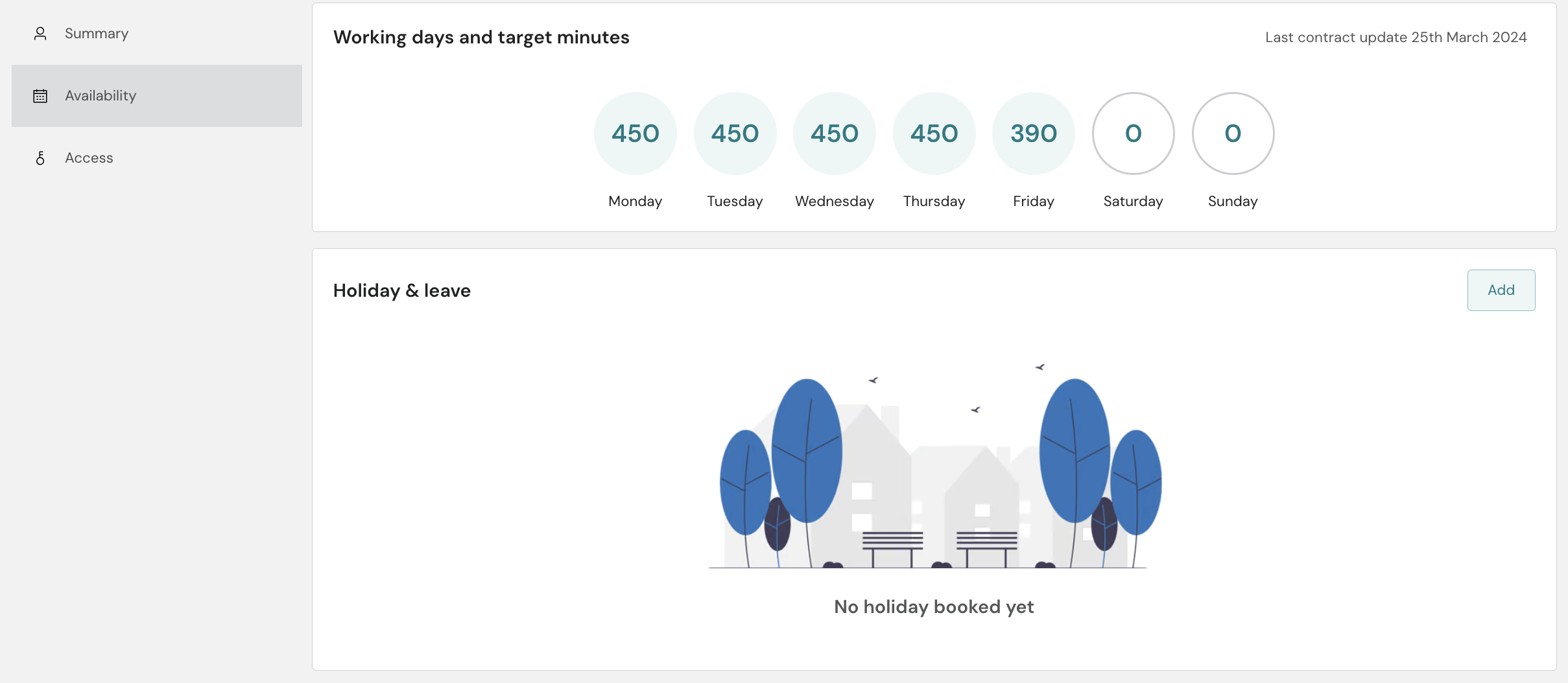
3. Click "Add".
4. Select the appropriate category (e.g. Holiday or Leave).
5. For multiple days, choose "Day or More" to enter both a start and end date.
6. Click 'Add leave'