
In addition to the People HR process of removing leave from your profile, you must also remove annual leave in Croud Control.
In doing this, the system automatically adjusts the minutes allocation to reflect time that you are working.
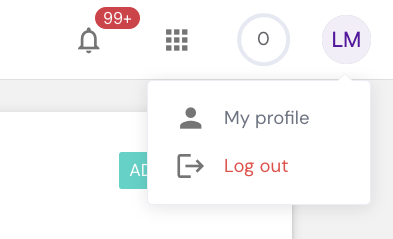
To delete any entered periods of leave, click on “My Profile” from the main interface.
When you are in your profile, click on 'Availability'.
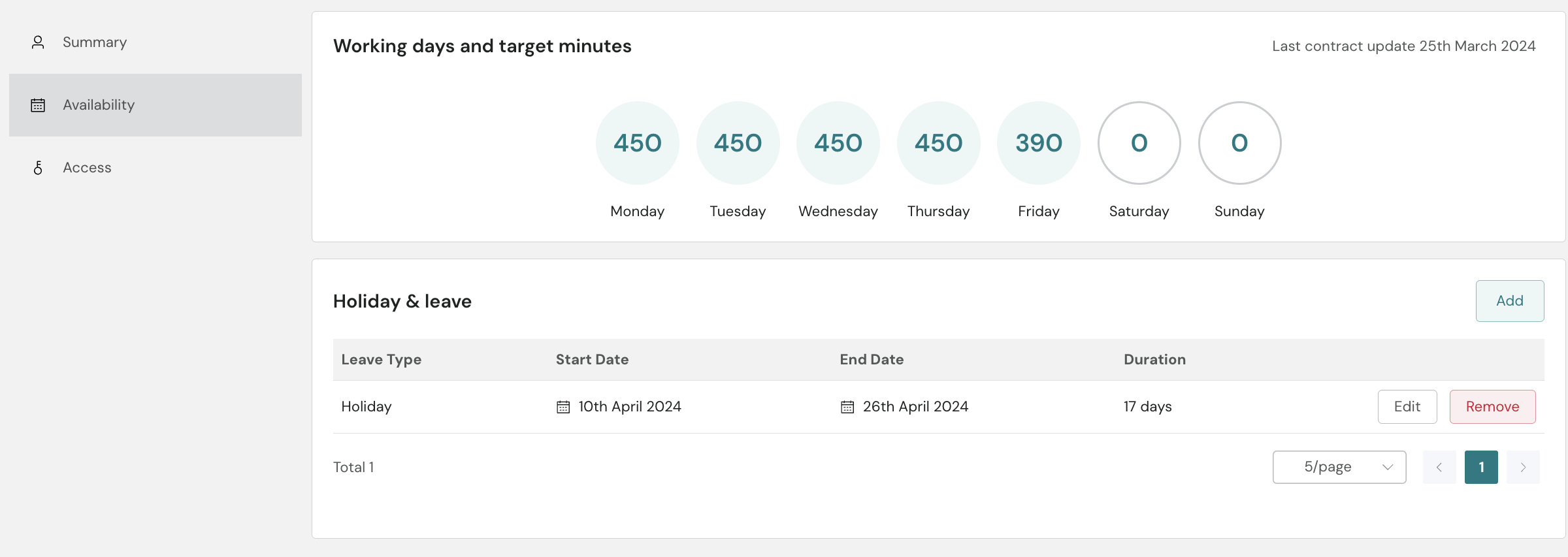
Next to the added leave there is a remove option, press this option and the below option shows.
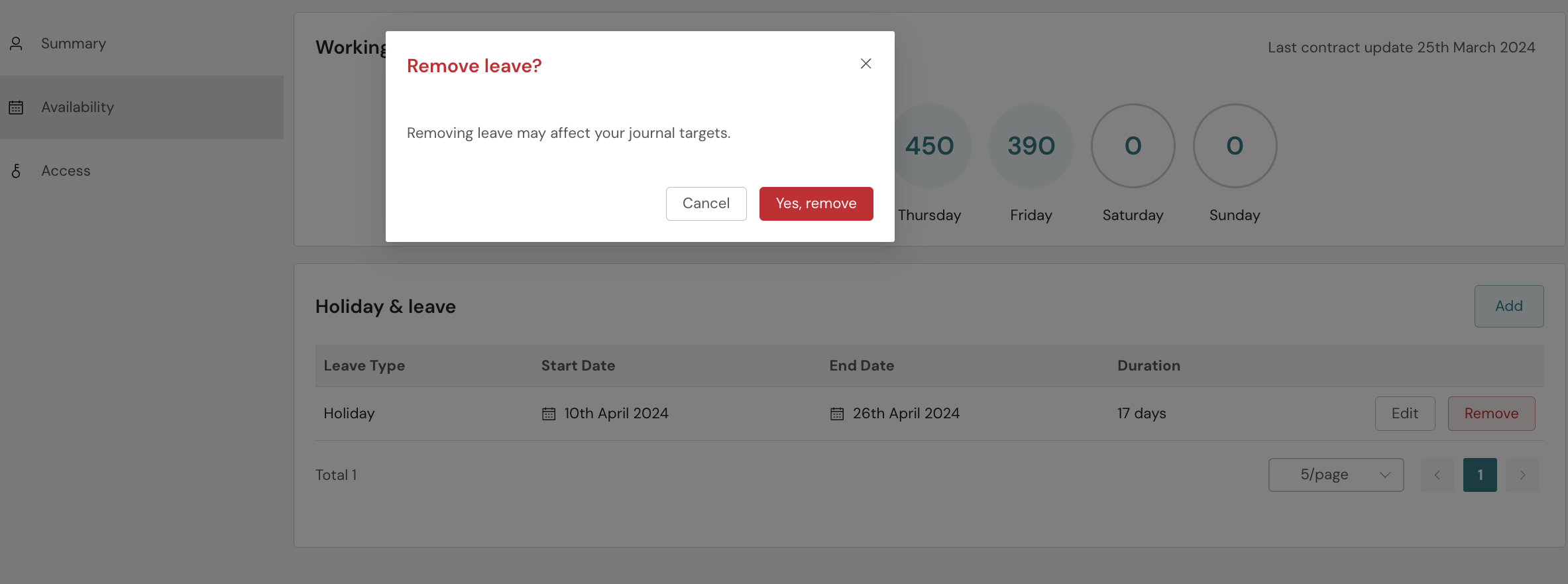
To remove the leave, you need to press 'Yes, Remove'.