
In addition to the People HR process of editing your holiday, you must also edit your holiday in Croud Control.
In doing this, the system automatically adjusts the minutes allocation to reflect time that you are working.
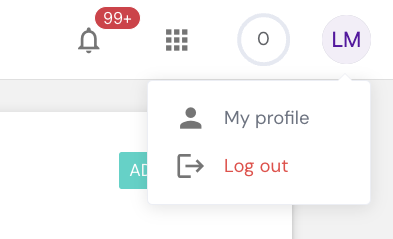
To edit these, click on “My Profile”.
When you are in your profile, click on 'Availability'.
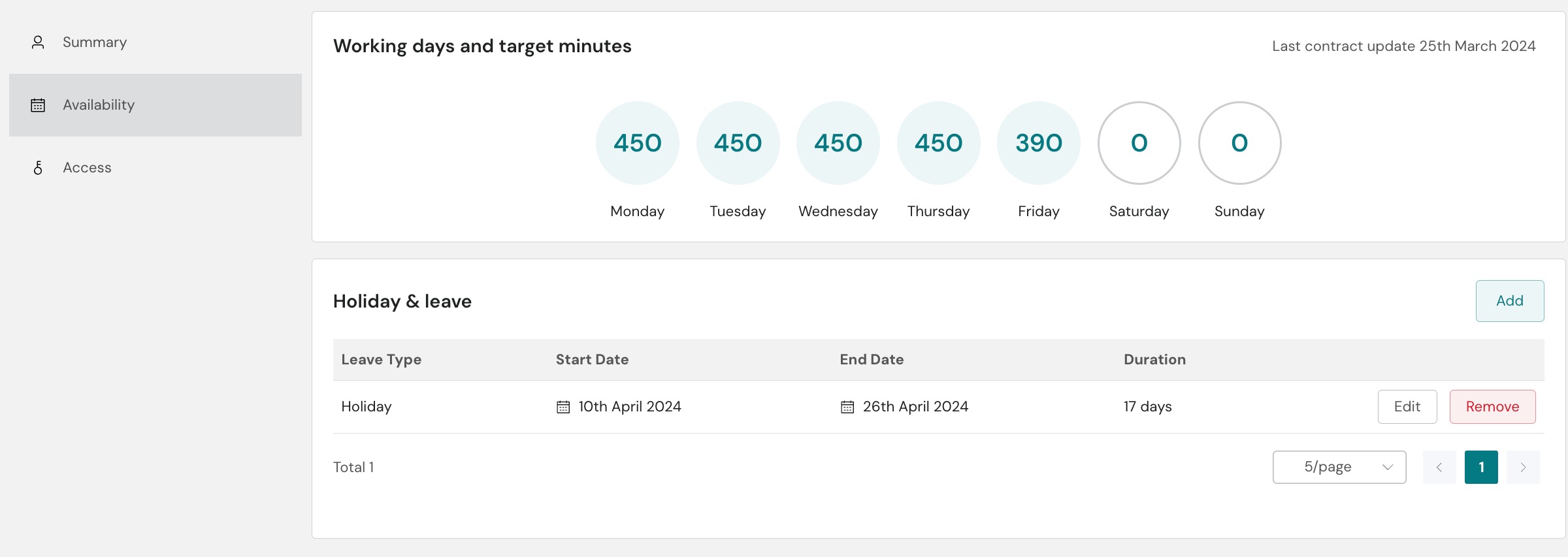
Next to the added leave is an 'Edit' option. Pressing this will open the 'Add dates' modal.
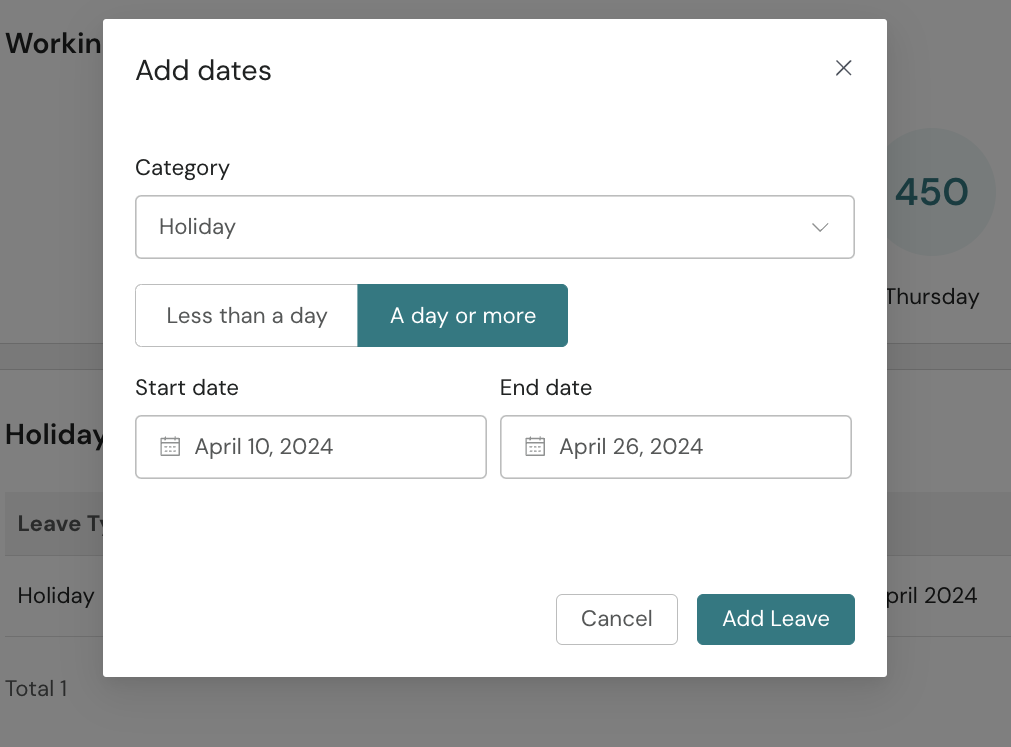
Make your needed changes then press add leave.