
If your contract working hours change then this change will be reflected in your Croud Control profile by either the HR team in Croud Control or the access team. However, if you can’t see that change then please contact these teams at either hr@croud.com or access@croud.com.
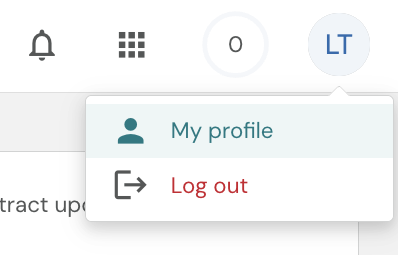
To view your working hours, click on“My Profile”.
Then click on 'Availability' in the side nav bar. The below screen should show with working days + target minutes for journals.
